Video Tutorials

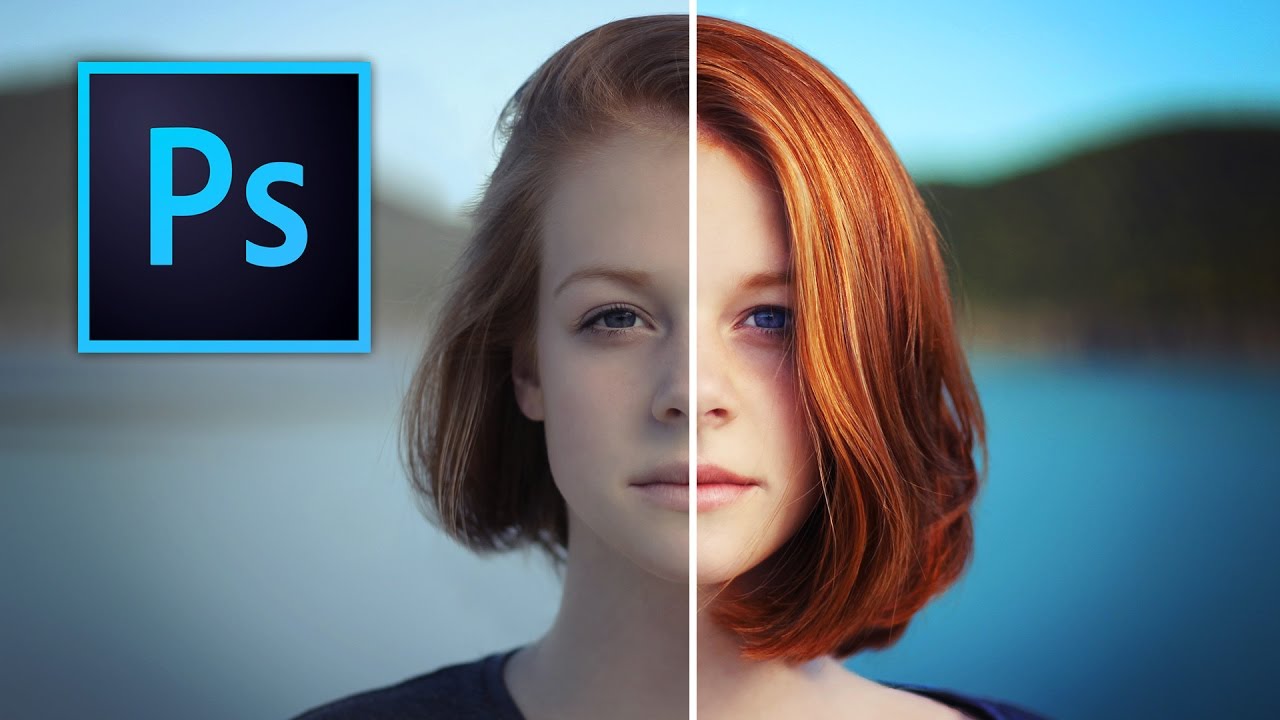
Stop Boring Photos: The Ultimate Guide to Making Colors Pop in Photoshop

Stop Boring Photos: The Ultimate Guide to Making Colors Pop in Photoshop I’m gonna be honest with you—there’s nothing worse than spending time on a photo shoot only to open your files and find them looking about as exciting as beige paint. The good news? Photoshop has some seriously powerful tools to fix that problem, and in this excellent tutorial, Kelvin Designs shows us how to make colors absolutely sing using selective color and contrast adjustments.
Video Tutorials

Master Dramatic Water Reflections in Photoshop: A Free Lesson From Kelvin Designs

I’ll be honest—when I first heard about creating “dramatic reflections in water,” I expected some convoluted mess involving layer masks, blend modes, and three cups of coffee. Turns out, it’s refreshingly straightforward. In this excellent tutorial, Kelvin Designs shows you a technique that’s so simple you’ll wonder why you didn’t think of it yourself (and then feel slightly annoyed about that fact). This free lesson from Kelvin’s new Photoshop Workflow Course is exactly the kind of practical, no-BS content I love: quick, effective, and actually useful for real-world design work.

Video Tutorials

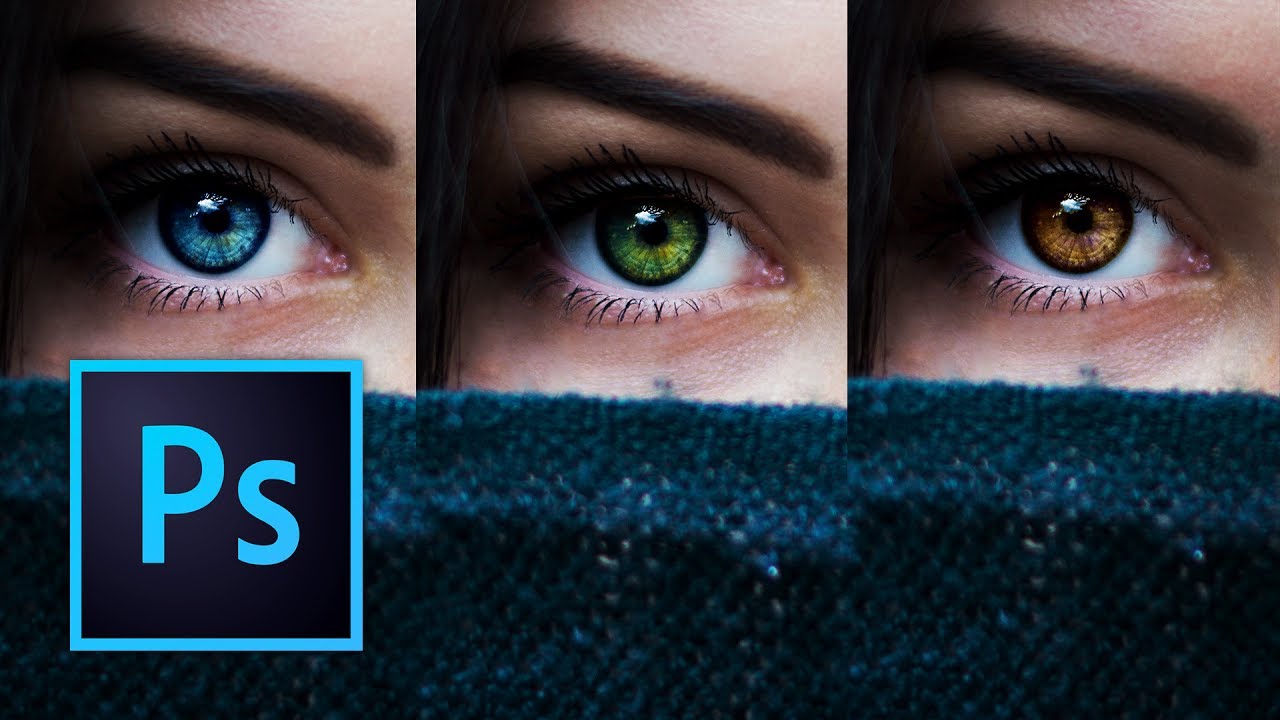
Stop Nuking Eye Color: A Better Way to Change Eyes in Photoshop

Look, I’ve seen a lot of eye color changes in my time, and most of them look like someone dumped a bucket of paint on a portrait. Flat. Lifeless. Like the person’s eyes got replaced by a couple of angry M&Ms. The problem? Everyone reaches for the Hue/Saturation slider and calls it a day. Sure, it changes the color. But it also obliterates all the subtle variations, the specular highlights, and the natural depth that makes eyes, well, eyes.