Video Tutorials
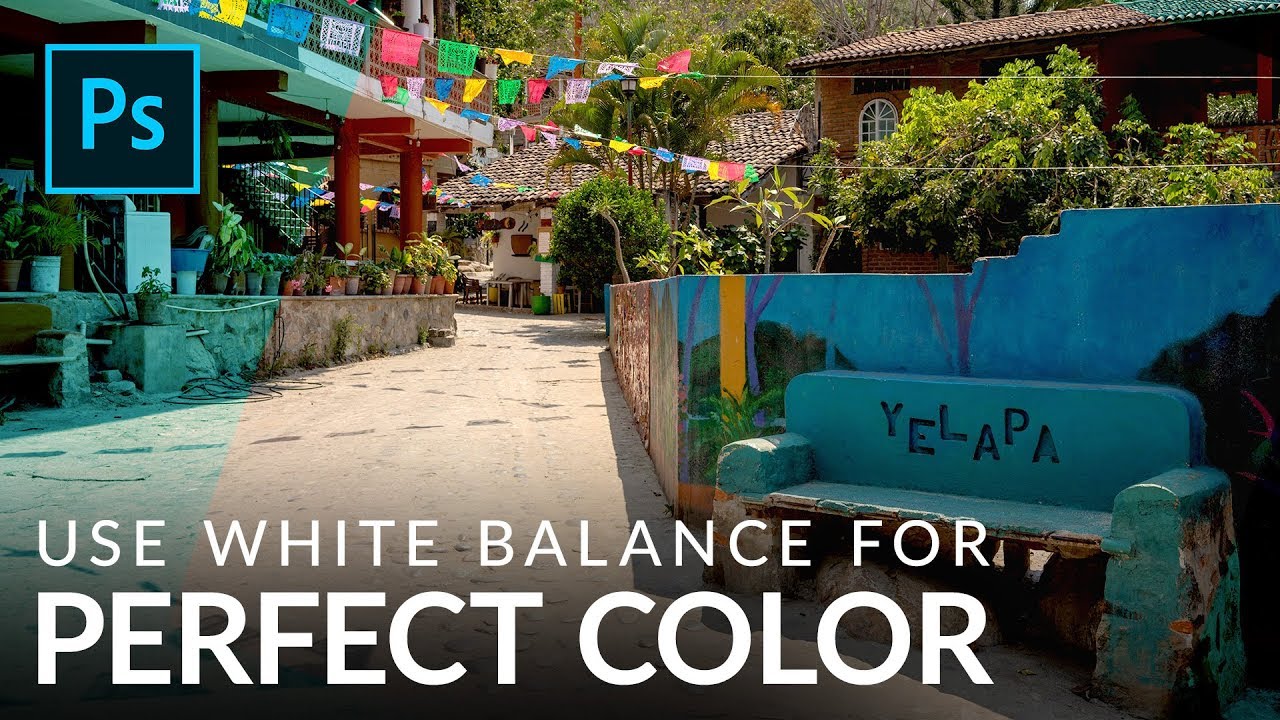
Stop Guessing Your White Balance — Here's How to Fix It in Photoshop (Even on JPEGs)
Color is the thing that separates a photo that looks off from one that stops the scroll. I’ve handed clients deliverables that were technically sharp, technically exposed, and technically terrible because the white balance was just slightly too cold and it made everyone look like they were photographed inside a hospital. Not great. White balance is one of those adjustments that sounds fussy and technical until you realize it’s basically the difference between “warm afternoon in Mexico” and “fluorescent break room at a DMV.