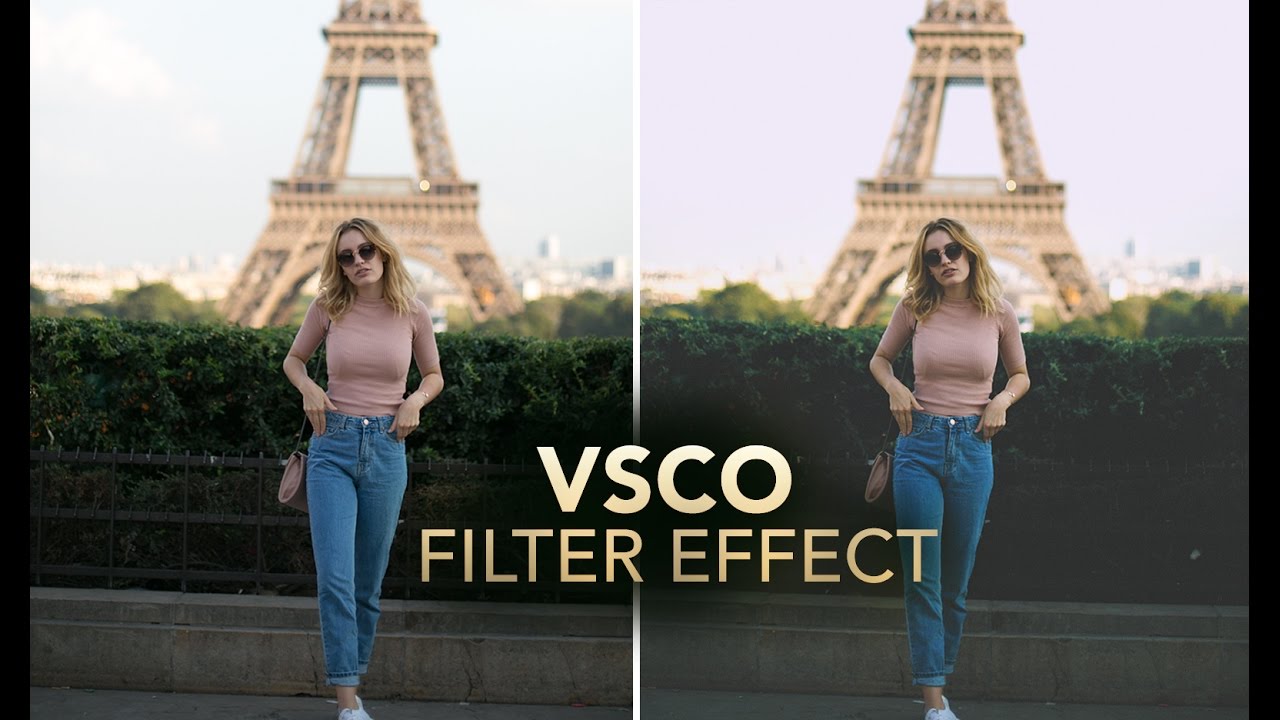
How to Fake a VSCO Film Look in Photoshop Without Actually Using VSCO

How to Fake a VSCO Film Look in Photoshop Without Actually Using VSCO

Client work has a funny way of humbling you. I spent the better part of an afternoon once trying to reverse-engineer that warm, slightly faded, film-ish look that’s all over Instagram and Lightroom preset packs, and I kept overshooting it. Everything either looked like a sepia disaster from a 2008 photo booth or a blown-out mess with a yellow tint that made the subject look unwell. The problem wasn’t my eye for color.

VSCO's Terms of Service: What Photographers Actually Need to Know

VSCO's Terms of Service: What Photographers Actually Need to Know

VSCO’s Terms of Use Are Raising Red Flags (Again) Here we go again. Just when we thought the photo platform drama had settled down after Adobe’s infamous Terms of Service debacle a couple years back, VSCO is now facing scrutiny over some of its own policy language. And honestly? Photographers are right to pay attention. If you’ve been living under a rock, let me catch you up: Adobe got absolutely roasted by the creative community when users discovered language suggesting the company could potentially use their uploaded content to train AI models without explicit permission.