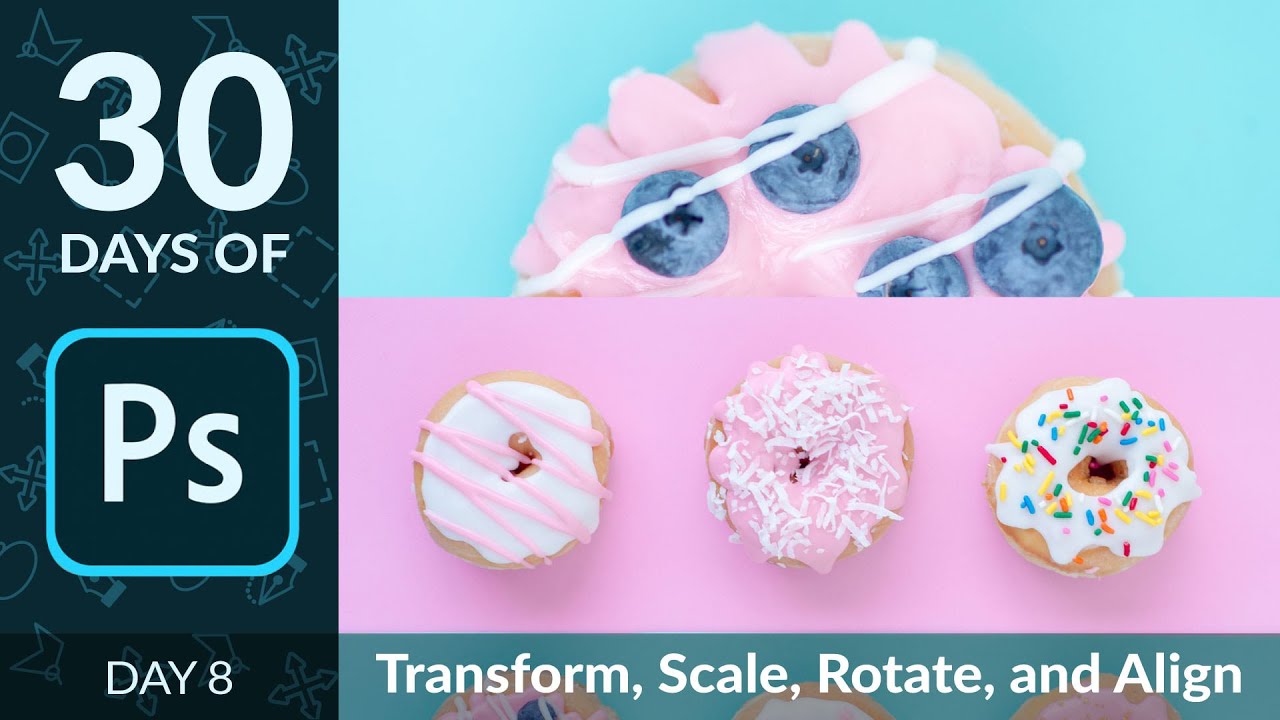
Stop Eyeballing It: How to Actually Use Photoshop's Transform Tool Like You Mean It

Stop Eyeballing It: How to Actually Use Photoshop's Transform Tool Like You Mean It

There’s a certain kind of Photoshop shame that hits when you’re dragging layers around by eye, nudging things pixel by pixel, hoping they “look about right.” I lived in that shame for longer than I’d like to admit. Back when I was slapping together graphics for friends (before anyone was paying me to do it), I thought the move tool and vibes were basically the whole toolkit. Spoiler: they are not.
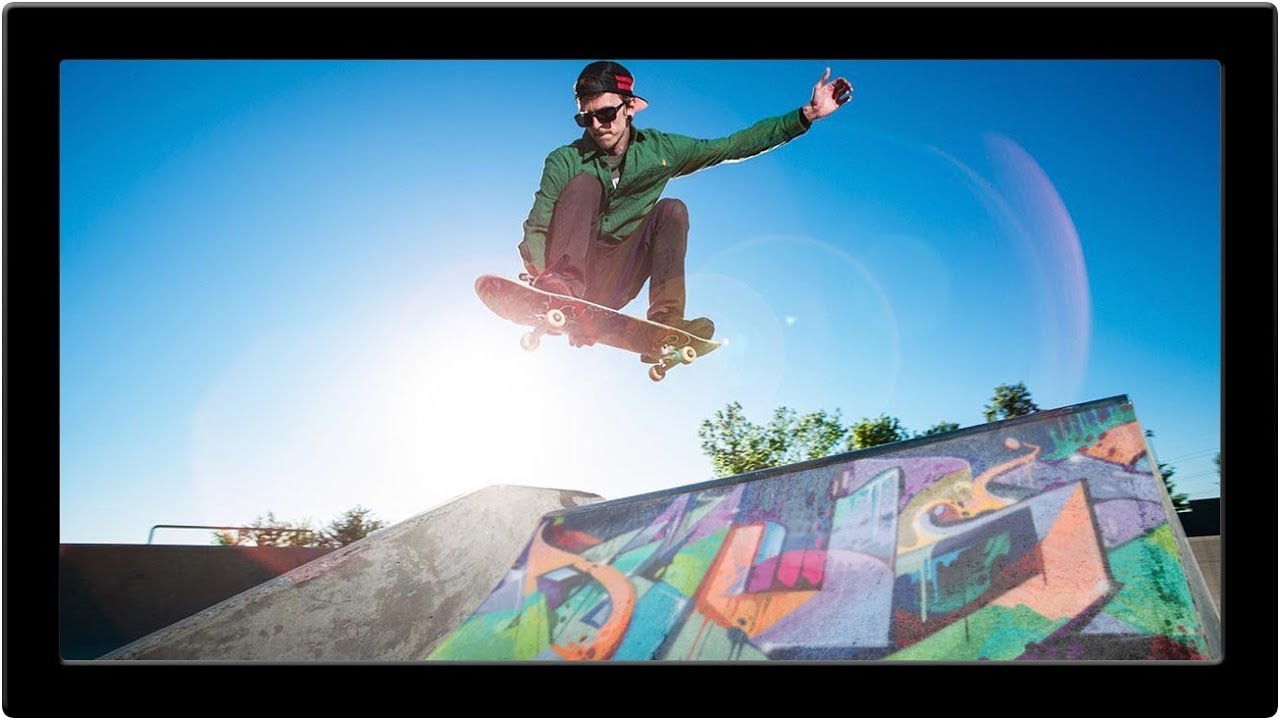
How to Fake Graffiti on Any Surface in Photoshop (Without It Looking Fake)

How to Fake Graffiti on Any Surface in Photoshop (Without It Looking Fake)

There’s a specific kind of client request that used to make me sweat: “Can you put some text/logo/graphic on that surface?” Not floating beside it. Not stamped on flat. Actually on it, following the curves, matching the lighting, looking like it was always there. Early in my freelance life I’d just nudge the layer around until it looked “close enough” and hope nobody zoomed in. Spoiler: clients zoom in. This technique is the proper answer to that problem.