Video Tutorials
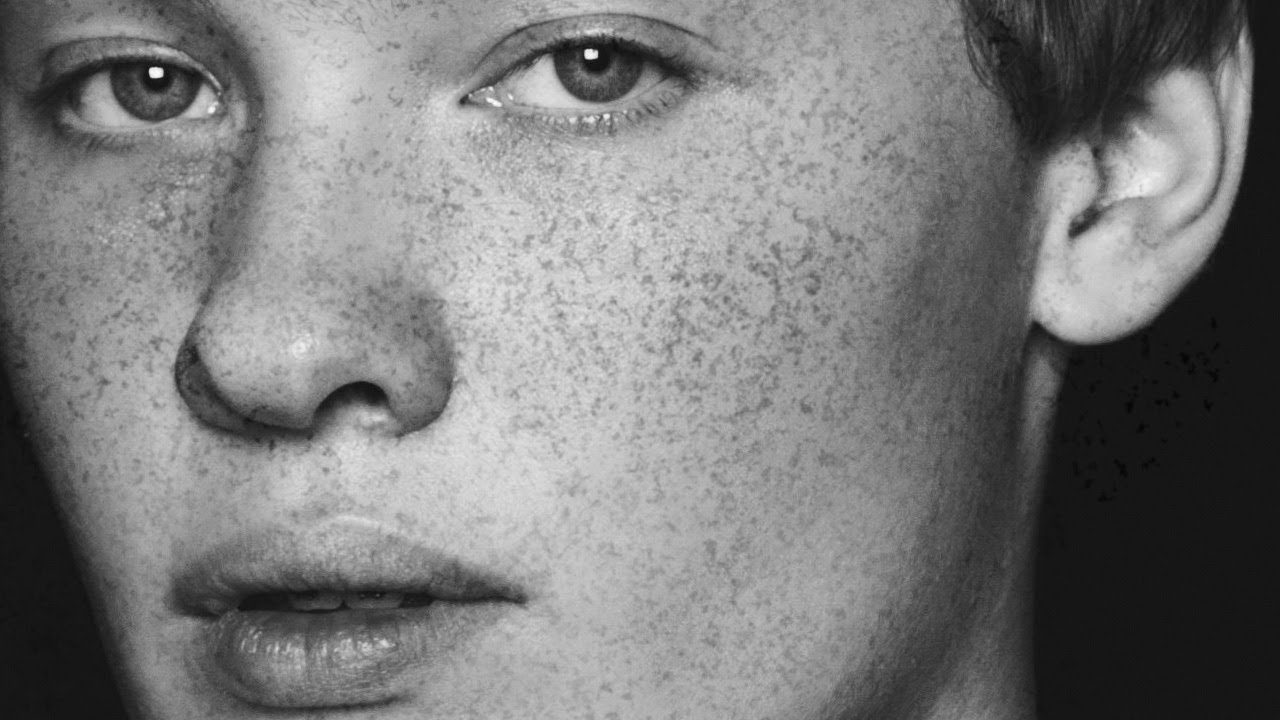
Forget Fake Filters: How to Paint Realistic Freckles in Photoshop Using a Granite Brush
Retouching skin is one of those things that separates the Photoshop hobbyists from the people who actually get paid to do it. And one of the fastest ways to blow your cover as someone who knows what they’re doing is to add skin details that look painted on. Freckles are one of those details. Done badly, they look like someone sneezed brown dots across a face in MS Paint. Done well, they make a portrait feel alive, warm, and real.