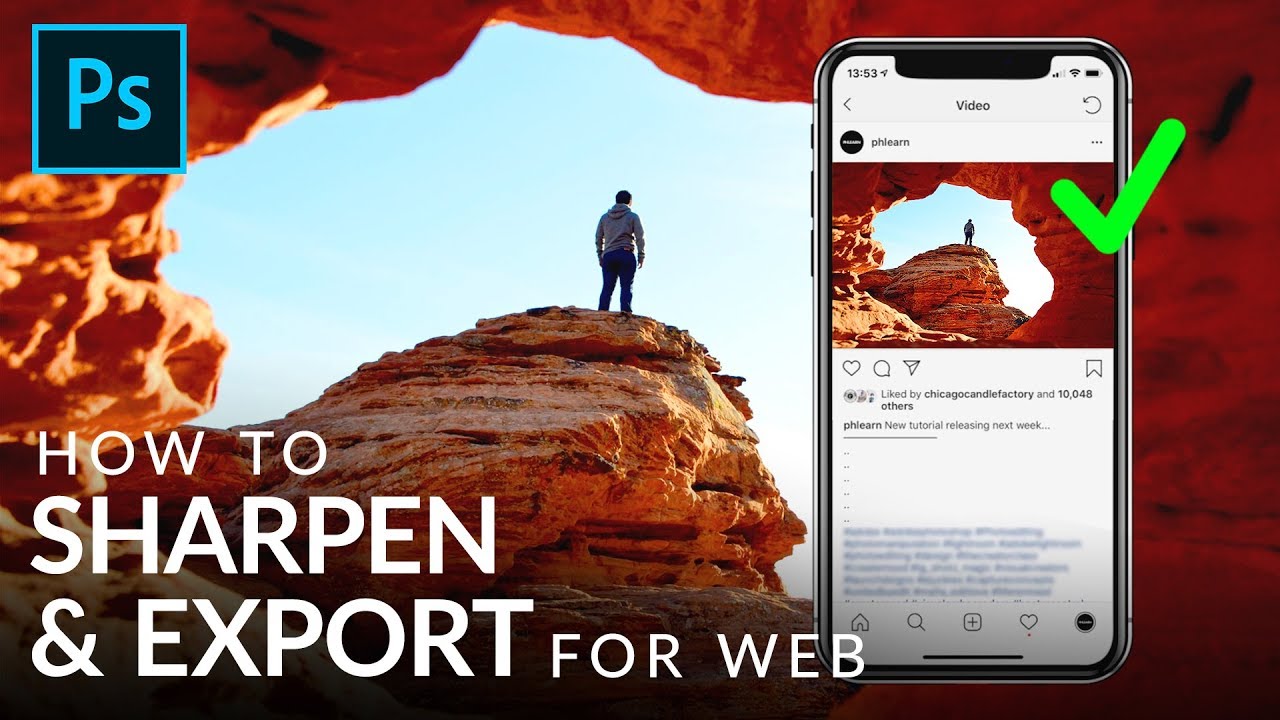
Sharpen and Export Photos for Web the Right Way (Stop Doing It Backwards)

Sharpen and Export Photos for Web the Right Way (Stop Doing It Backwards)

There’s a specific kind of disappointment that hits when you’ve spent an hour editing a photo, you upload it somewhere, and it looks like you ran it through a fax machine. Colors shift. The sharpness you carefully dialed in gets swallowed up. It just looks… wrong. I’ve been there more times than I want to admit, usually sitting in some coffee shop quietly panicking about a client deliverable. The fix turns out to be less about how much sharpening you apply and more about when and at what size you apply it.

How to Sharpen Photos for Web vs Print

How to Sharpen Photos for Web vs Print

Here’s a mistake I see constantly: photographers apply one round of sharpening and export for both web and print. The result? Images that look crunchy on screen and soft in print. Web and print have different requirements, and your sharpening needs to account for that. Why They’re Different A computer monitor displays images at roughly 72-150 PPI, and every pixel is visible. What you see is what you get. Any over-sharpening shows up immediately as halos and artifacts.