How to Add Cinematic Light Blur Effects to Portraits Without Destroying Your Original Image

How to Add Cinematic Light Blur Effects to Portraits Without Destroying Your Original Image

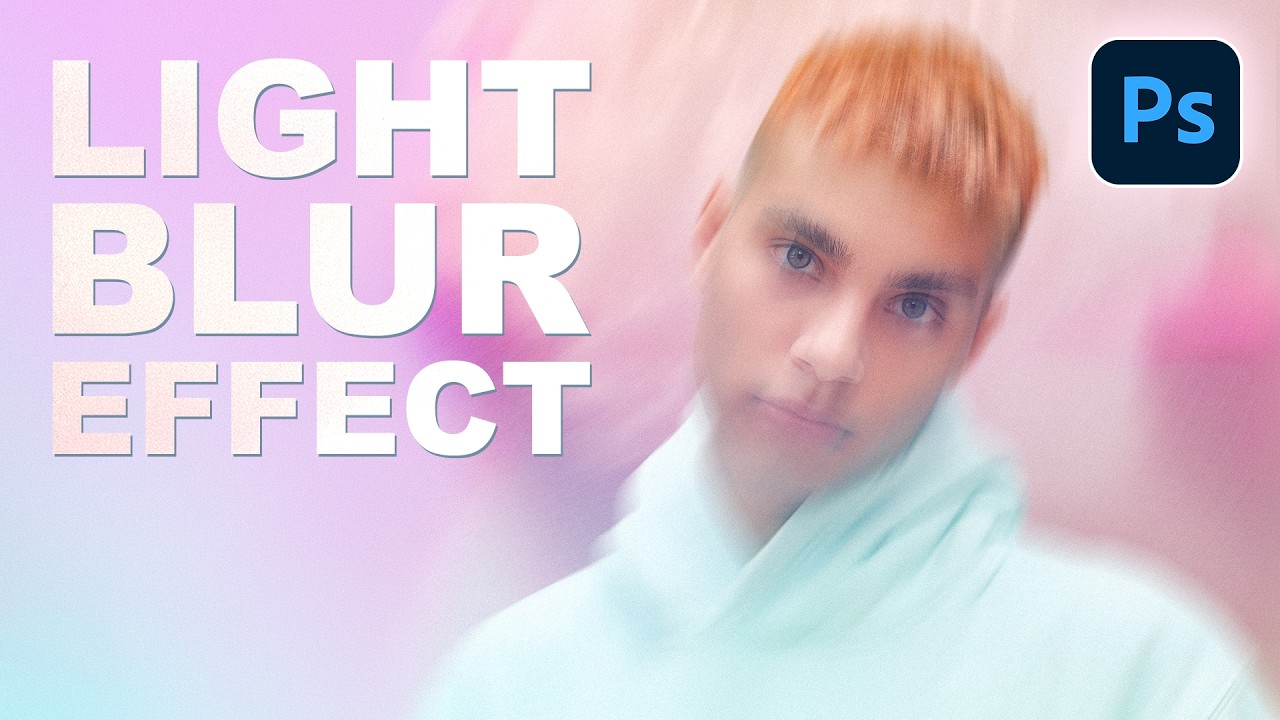
I’ve always been fascinated by those portraits that have this magical, almost glowing quality to them—like the photographer caught the perfect moment with perfect lighting, even if we both know they didn’t. In this excellent tutorial, Aaron Nace (PHLEARN) shows us how to create exactly that effect in Photoshop using a combination of Smart Objects and the Path Blur Gallery. The best part? You’ll maintain complete control over your original image while building this polished, “done-in-camera” look.

The Art of Making People Look Better Than They Actually Are (Legally)

The Art of Making People Look Better Than They Actually Are (Legally)

The Art of Making People Look Better Than They Actually Are (Legally) Let’s be honest: everyone wants to look better in photos. Your job as a Photoshop wizard is to deliver results that make people say “wow, you look amazing!” rather than “did you use a filter from 2009?” There’s a fine line between enhancement and looking like a plastic action figure, and I’m here to help you walk it.

The Dark Art of Photo Manipulation: Making People Look Better Than They Have Any Right To

The Dark Art of Photo Manipulation: Making People Look Better Than They Have Any Right To

The Dark Art of Photo Manipulation: Making People Look Better Than They Have Any Right To Look, I’m not going to pretend that photo manipulation is some noble pursuit. It’s basically digital lying. But it’s fun lying, and honestly, everyone’s doing it. Your Instagram influencer crush? Manipulated. That family photo where everyone actually looks happy? Manipulated. That picture of your breakfast that got 47 likes? Okay, probably not manipulated, but it should have been.

Stop Nuking Eye Color: A Better Way to Change Eyes in Photoshop

Stop Nuking Eye Color: A Better Way to Change Eyes in Photoshop

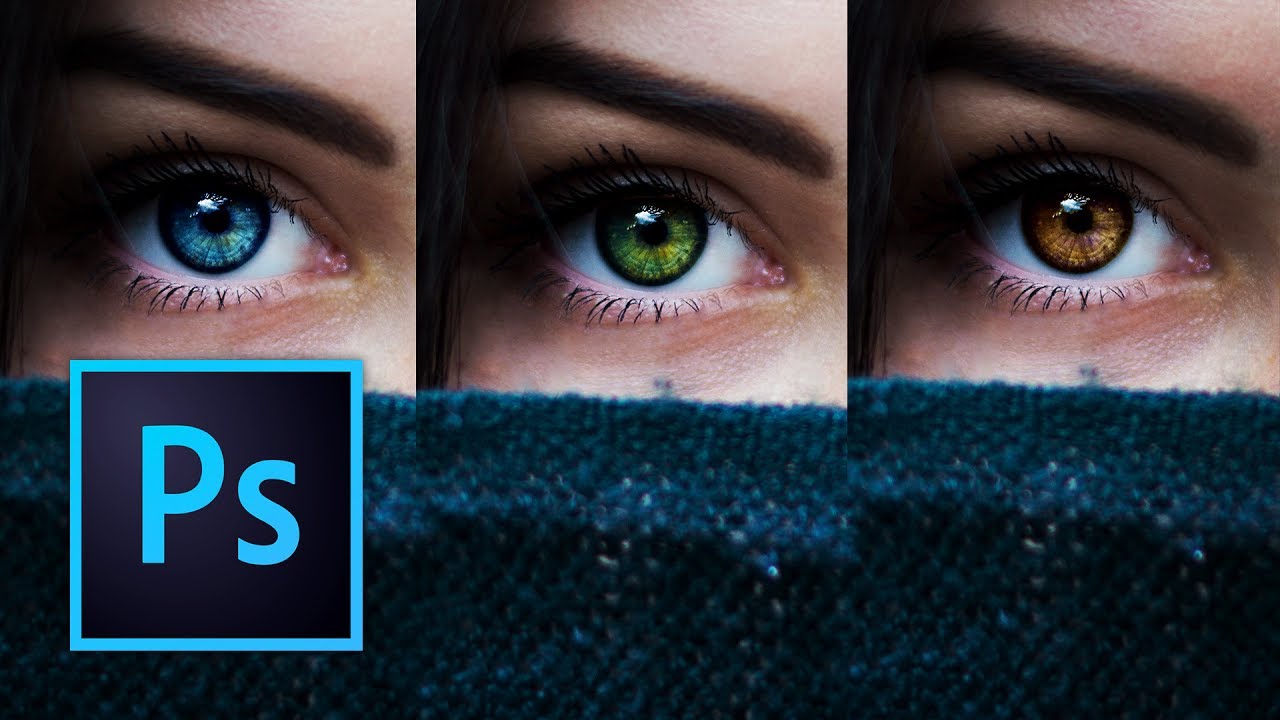
Look, I’ve seen a lot of eye color changes in my time, and most of them look like someone dumped a bucket of paint on a portrait. Flat. Lifeless. Like the person’s eyes got replaced by a couple of angry M&Ms. The problem? Everyone reaches for the Hue/Saturation slider and calls it a day. Sure, it changes the color. But it also obliterates all the subtle variations, the specular highlights, and the natural depth that makes eyes, well, eyes.