How to Build an Animated GIF in Photoshop Frame by Frame (The Right Way)

How to Build an Animated GIF in Photoshop Frame by Frame (The Right Way)

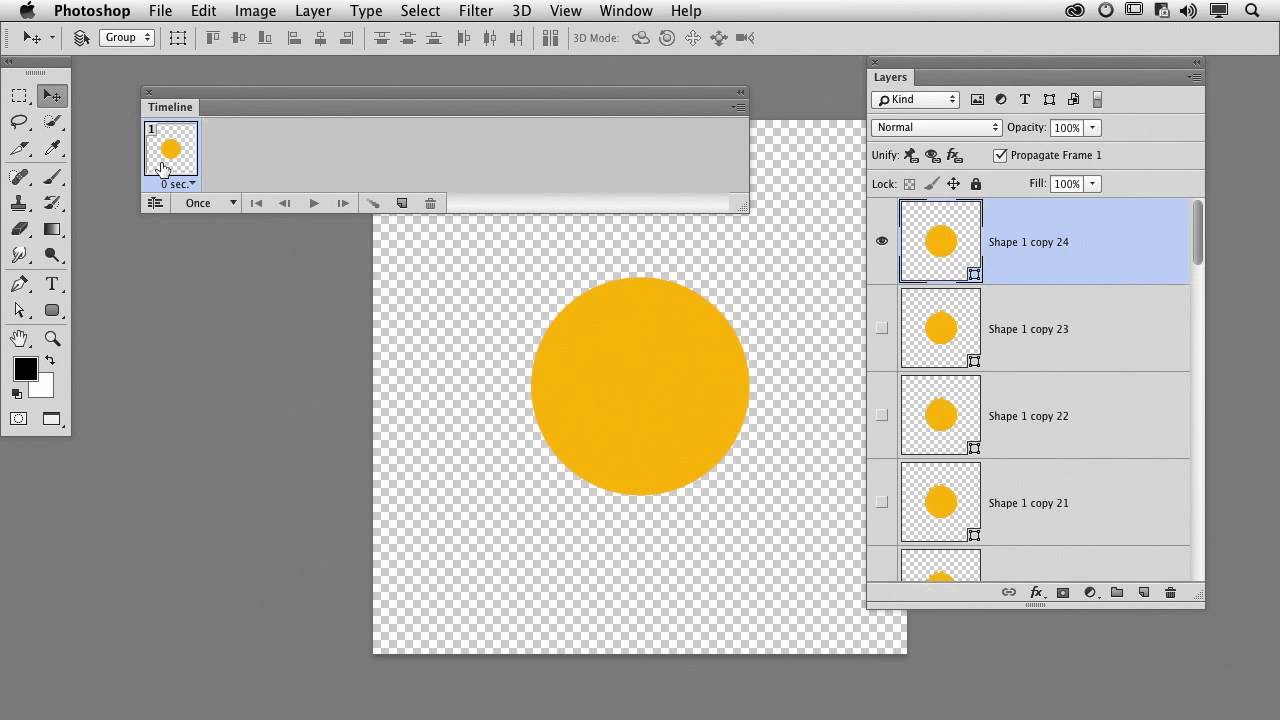
Client work is unpredictable. One week you’re doing logo lockups, the next someone’s asking for an animated GIF for their email campaign or social post and suddenly you’re staring at Photoshop’s Timeline panel like it personally wronged you. I’ve been there. GIFs feel like they should be simple, and they are, once someone walks you through the logic. That’s exactly what this CreativeLive tutorial delivers. Watch the full tutorial on YouTube before or after reading this breakdown.

Color Grading Video in Photoshop: Local vs. Global Adjustments (And Why It Actually Works)

Color Grading Video in Photoshop: Local vs. Global Adjustments (And Why It Actually Works)

Most of my work lives in still images. Composites, retouching, the occasional logo a client describes as “clean but also edgy.” Video always felt like someone else’s problem. Then a client handed me raw footage and asked me to “make it look cinematic,” and suddenly it was very much my problem. I didn’t want to learn Premiere for one project, and After Effects felt like jumping into the deep end wearing a backpack full of bricks.