Video Tutorials
Overlays in Photoshop Don't Have to Look Cheap — Here's How to Use Them Right
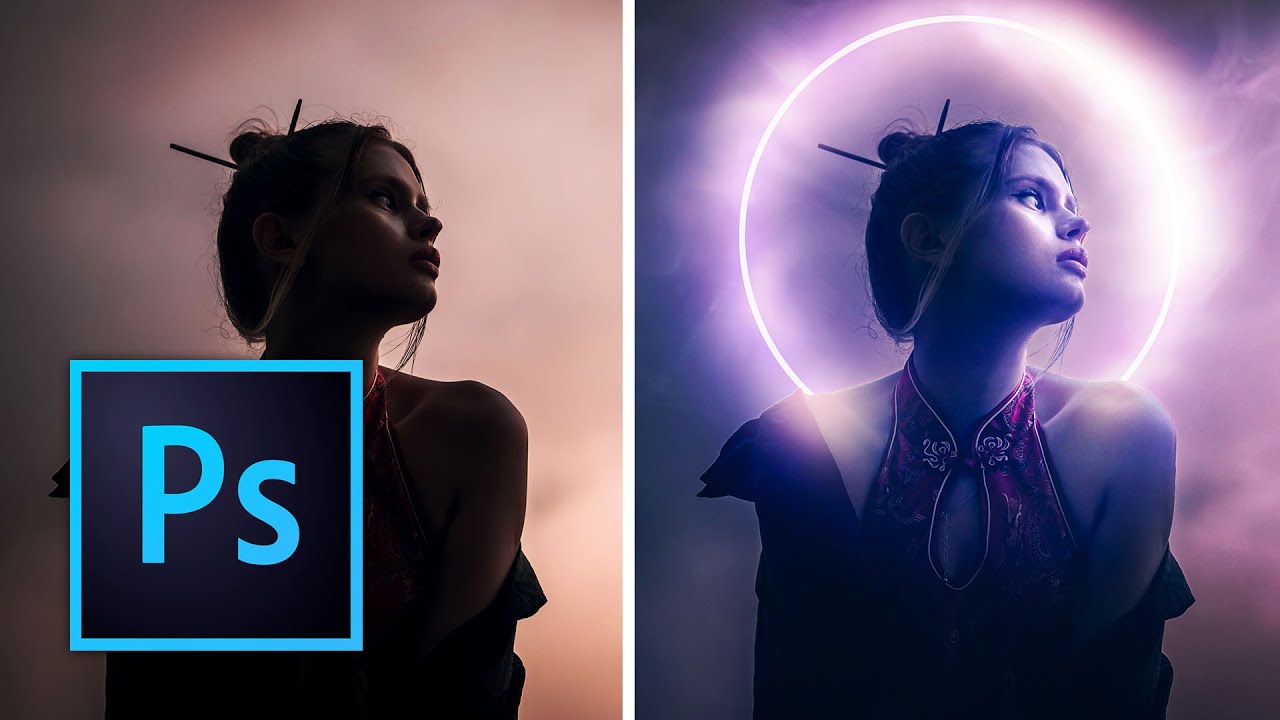
A client asked me for a “moody, cinematic composite” last month. I knew what they wanted. I had the subject, I had a background, I even had a rough idea of the mood. What I didn’t have was a clean, efficient way to tie everything together without it looking like a high school drama poster. Overlays. That was the missing piece. Not the slap-a-texture-on-it-and-call-it-done approach I’d been guilty of before, but actually understanding how to layer, blend, and manipulate them into something that looks intentional.