Video Tutorials
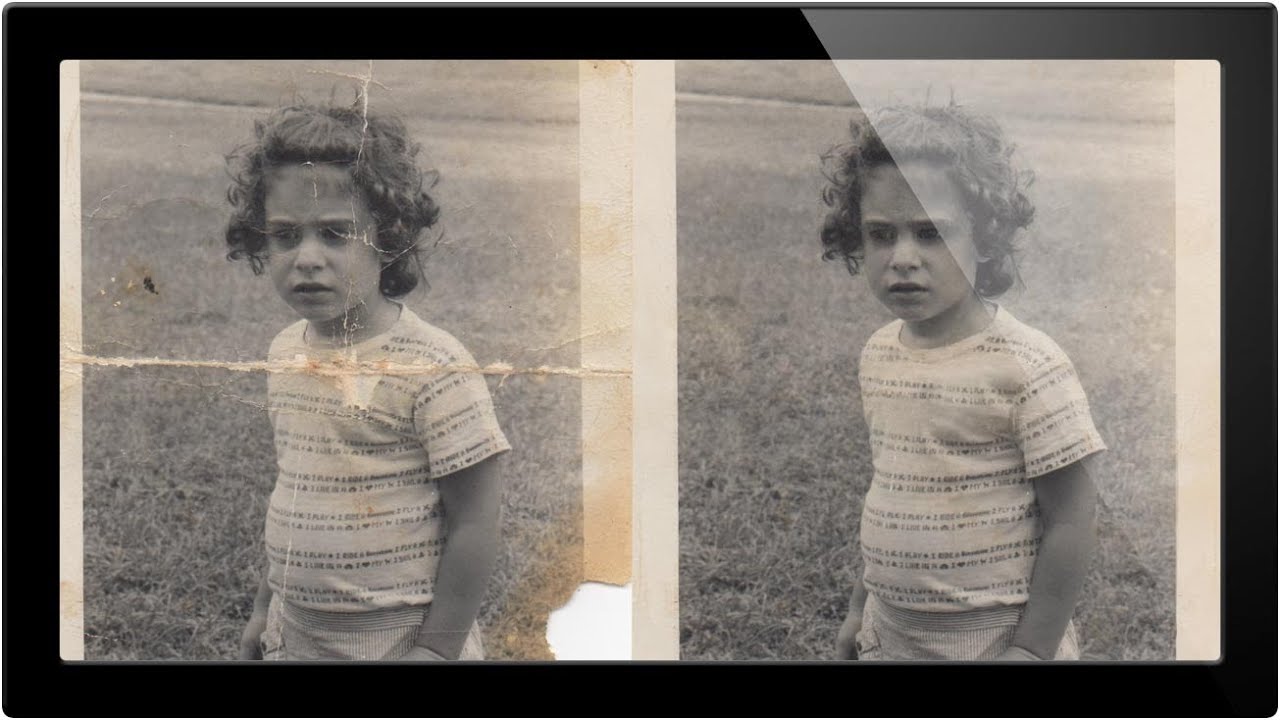
How to Rescue a Damaged Old Photo in Photoshop: Plan First, Clone Second
Client work will humble you fast. Early in my freelance run, someone handed me a scanned family photo that looked like it had survived a move, a flood, and a toddler with a crayon. I opened it in Photoshop and immediately started clone-stamping like a maniac, no plan, no structure, just vibes. Two hours later I had a mess that somehow looked worse than the original. That experience stuck with me, mostly because I invoiced for it anyway, but also because it taught me that photo restoration has a correct order of operations and I had been ignoring it.