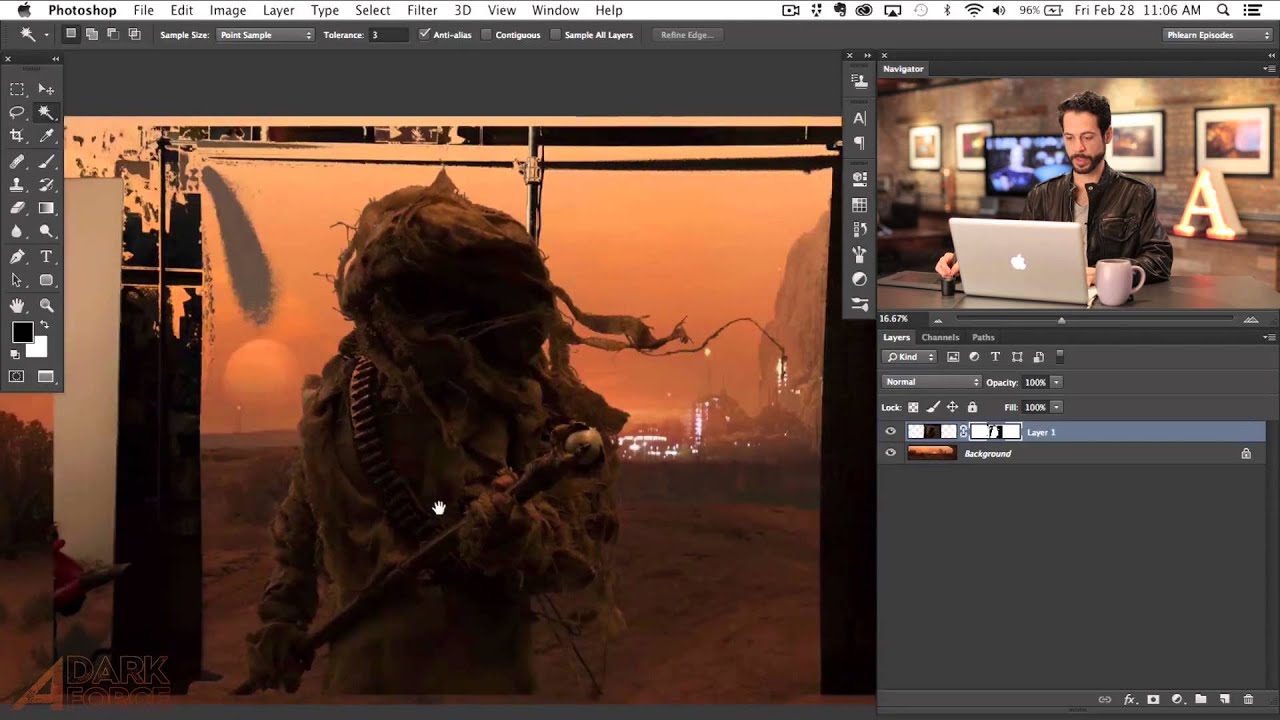
Stop Fighting the Magic Wand Tool — It's Actually Good (When You Use It Right)

Stop Fighting the Magic Wand Tool — It's Actually Good (When You Use It Right)

Compositing is where Photoshop either saves your project or humiliates you. I’ve been on both ends of that. There was a period where I spent three full days on a composite, painstakingly painting out a background pixel by pixel, only to have a friend glance at it, ask why I wasn’t using a smarter selection workflow, and then rebuild the whole thing in about twenty minutes while I sat there questioning my life choices.

The Quick Selection Tool vs Magic Wand: When to Use Which

The Quick Selection Tool vs Magic Wand: When to Use Which

The Quick Selection Tool and the Magic Wand sit in the same tool slot in Photoshop, but they work in fundamentally different ways. Choosing the right one for the job saves you from fighting with selections that never quite look right. How They Work Magic Wand selects pixels based on color similarity. You click a pixel, and it selects all connected pixels within a tolerance range of that color. It’s a purely mathematical tool — it doesn’t “understand” what’s in the image.