Video Tutorials
Fake Sun Rays That Don't Look Fake: A Photoshop Trick Worth Stealing
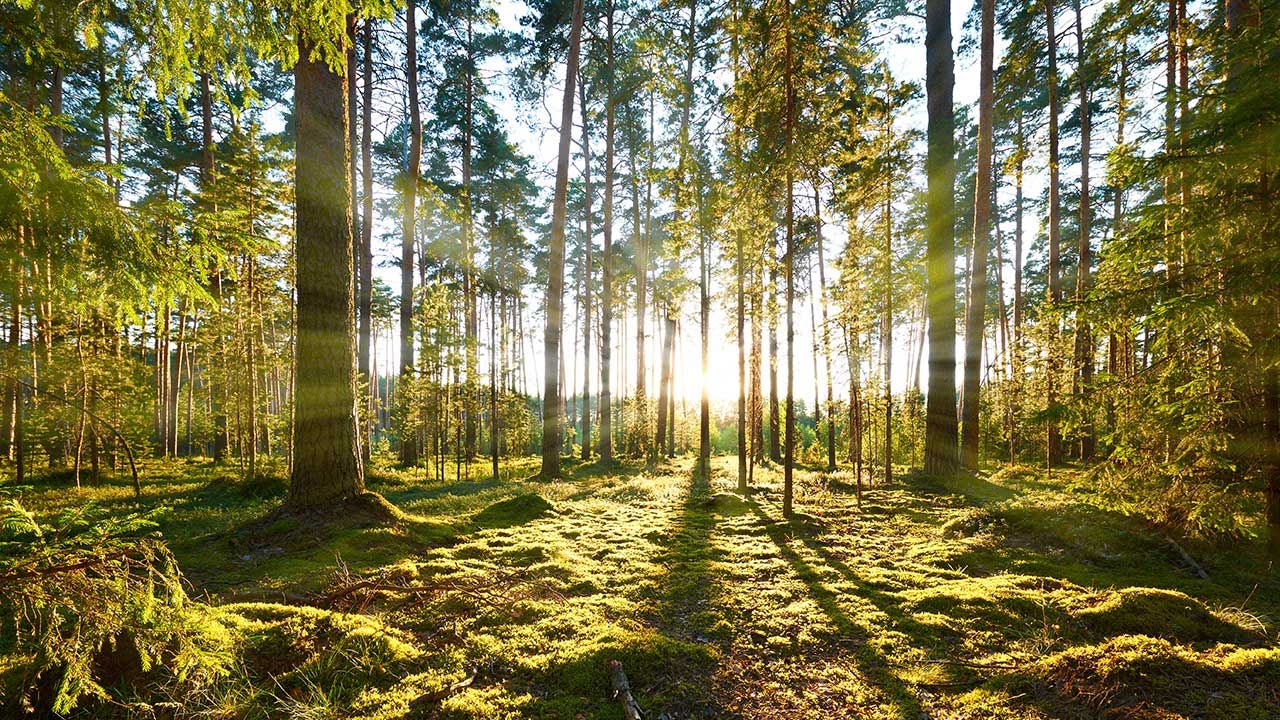
There’s a specific kind of frustration that comes from knowing a photo is almost great. You’ve got the composition, the moment, the light is doing something interesting in the background, and then you look closer and realize the sun is just sitting there like a flat white circle, not actually contributing anything. I’ve been in that situation with client work more times than I want to admit, staring at a landscape shot and wishing I could pull just a little more drama out of it.