
Fake the Light You Wish You Had: Color Gradient Enhancement in Photoshop

Fake the Light You Wish You Had: Color Gradient Enhancement in Photoshop

There’s a specific flavor of frustration that comes from shooting a solid portrait in flat, boring light and knowing the subject deserved better. The photo is technically fine. Exposure is good. Focus is sharp. And yet it looks like a LinkedIn headshot when it should look like a movie poster. I’ve been there more times than I care to admit, usually sitting in whatever coffee shop I’ve claimed as my office that week, staring at a Lightroom catalog full of “technically fine” images.

Build a Pixel-Perfect iOS 8 App Icon in Photoshop (Without Guessing at the Settings)

Build a Pixel-Perfect iOS 8 App Icon in Photoshop (Without Guessing at the Settings)

Client work has a funny way of expanding scope. You’re hired to do one thing, and three emails later you’re being asked if you can “quickly throw together an app icon too.” I’ve been in that exact spot, and my first instinct was to fake confidence while quietly panicking about whether Photoshop could even do this properly. Turns out, it absolutely can, and the process is more systematic than you’d think once someone walks you through it.

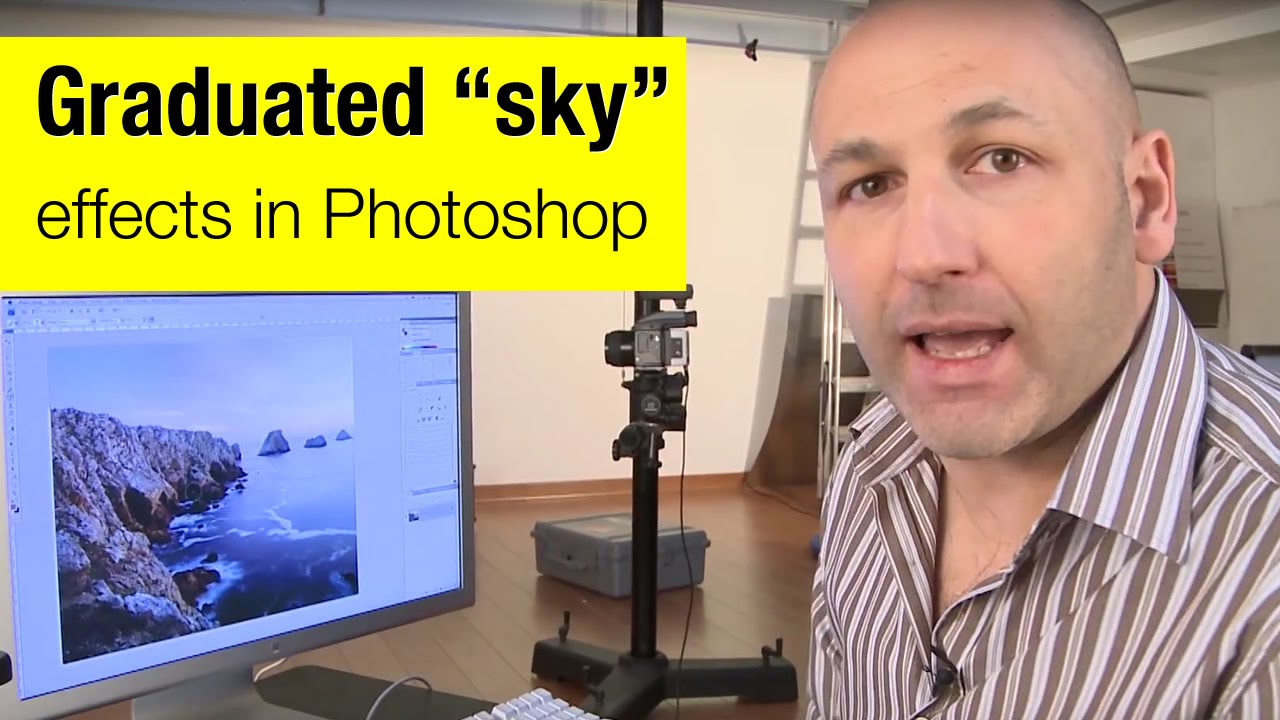
How to Fake a Graduated Sky Filter in Photoshop (Without Touching a Single Slider)

How to Fake a Graduated Sky Filter in Photoshop (Without Touching a Single Slider)

There’s a specific kind of frustration that hits when you’ve got a genuinely great shot — good composition, interesting foreground, strong light — and the sky is just… beige. Flat, washed-out, completely uninspiring. You know the image has something, but the sky is dragging it down. I’ve been there more times than I’d like to admit, and my usual instinct was to reach for Hue/Saturation or start messing with Curves until something looked vaguely better.