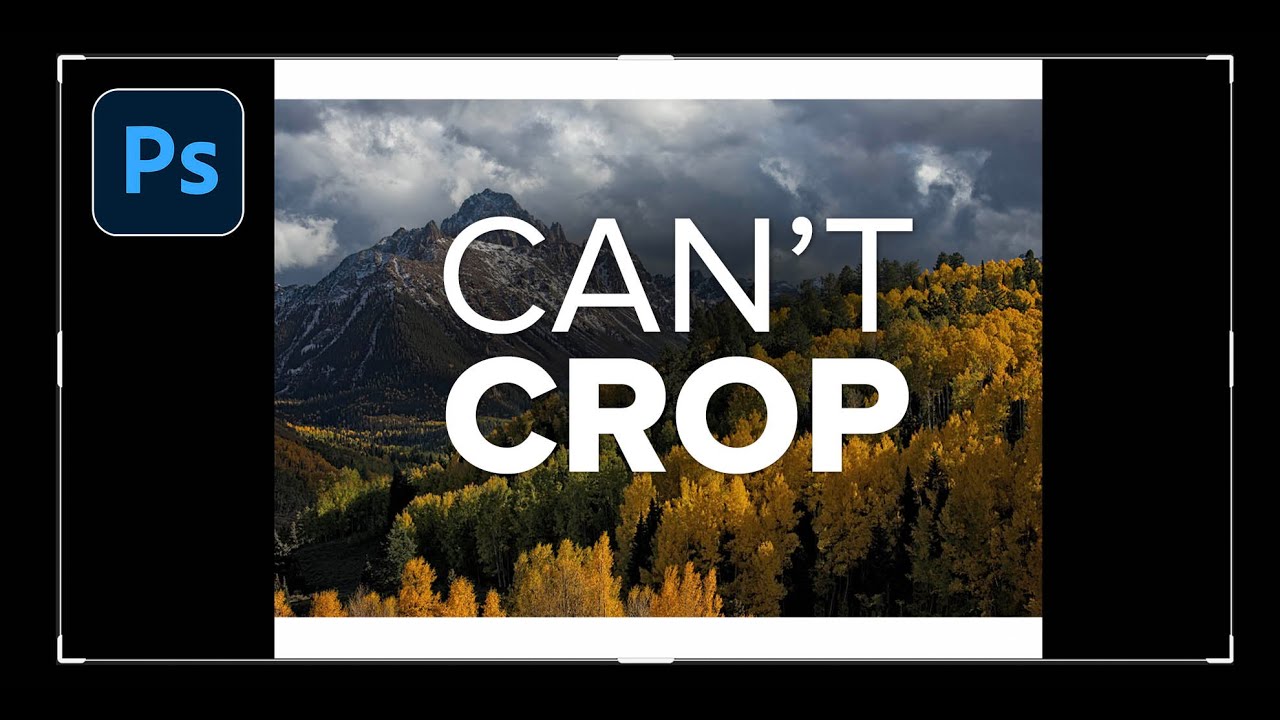
Stop Cropping Your Photos to Fit — Use These Photoshop Tricks Instead

Stop Cropping Your Photos to Fit — Use These Photoshop Tricks Instead

Every working photographer or designer hits this wall eventually. You’ve got a great shot, you need it to fill an 11x14 print (or a photo book spread, or a square social tile), and the aspect ratio just doesn’t cooperate. Your options feel like a bad multiple-choice question: crop out the part of the image you actually care about, or live with white bars on the sides like you’re watching a DVD on a 2003 flatscreen.
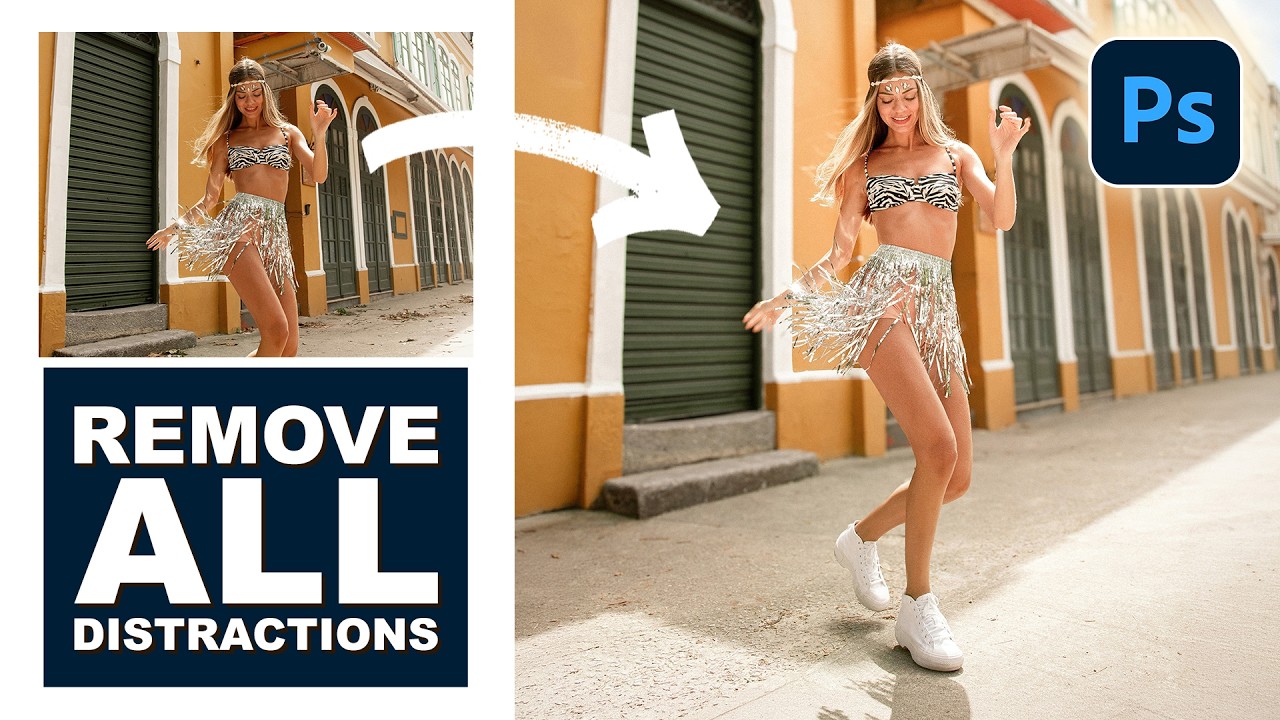
Remove the Junk, Fix the Frame, Save the Shot: A Practical Photoshop Cleanup Workflow

Remove the Junk, Fix the Frame, Save the Shot: A Practical Photoshop Cleanup Workflow

There’s a specific kind of frustration that comes from spending two hours cloning out power lines and random visual garbage from a photo, only to realize you missed three of them. I’ve been there more times than I’d like to admit. It’s the kind of tedious work that makes you question your life choices somewhere around the 45-minute mark at your corner coffee shop table. So when I watched PHLEARN’s tutorial on cleaning up, reframing, and polishing photos in Photoshop, I immediately stopped what I was doing and paid close attention.