
Animated GIFs in Photoshop: How to Swap Prints Inside a Frame Animation

Animated GIFs in Photoshop: How to Swap Prints Inside a Frame Animation

I’ve done a lot of work creating promotional graphics for clients, and one request that comes up more than you’d think is: “Can you make it… move a little?” Not full video, not a complex After Effects production. Just a clean, looping GIF that cycles through a few variations of something. A product. A print. A lineup of options. Simple idea, but if you’ve never built a frame animation in Photoshop before, it’s surprisingly easy to overcomplicate it in your head.
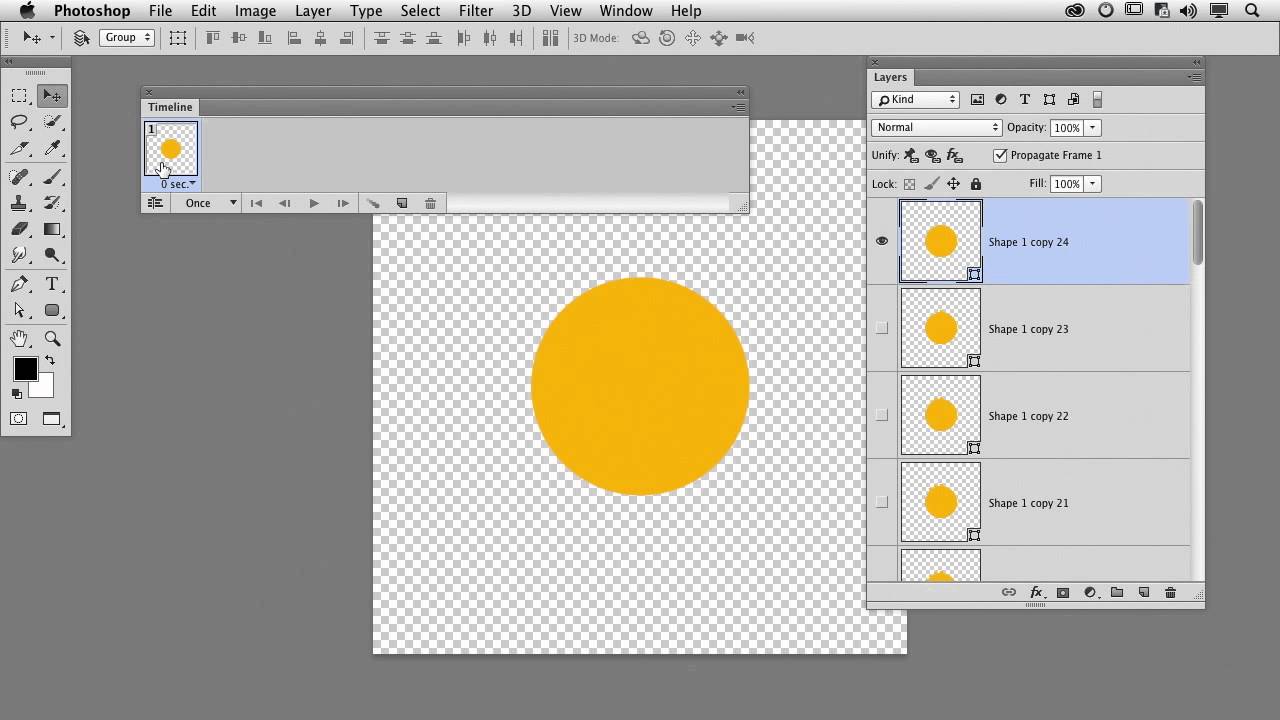
How to Build an Animated GIF in Photoshop Frame by Frame (The Right Way)

How to Build an Animated GIF in Photoshop Frame by Frame (The Right Way)

Client work is unpredictable. One week you’re doing logo lockups, the next someone’s asking for an animated GIF for their email campaign or social post and suddenly you’re staring at Photoshop’s Timeline panel like it personally wronged you. I’ve been there. GIFs feel like they should be simple, and they are, once someone walks you through the logic. That’s exactly what this CreativeLive tutorial delivers. Watch the full tutorial on YouTube before or after reading this breakdown.