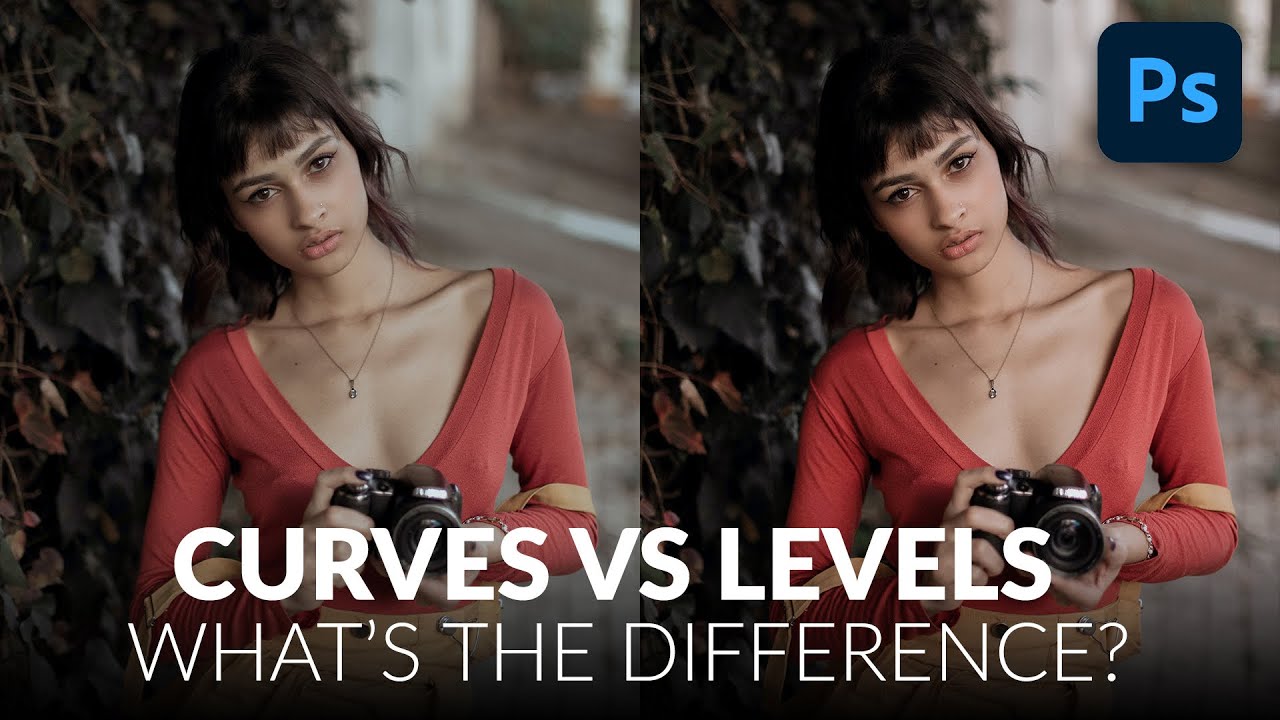
Curves vs. Levels in Photoshop: Which One Should You Actually Be Using?

Curves vs. Levels in Photoshop: Which One Should You Actually Be Using?

For years I used Levels for everything. Exposure fix? Levels. Quick color correction? Levels. Basically anything that required me to not completely ruin a client’s photo? Levels. It felt safe. Predictable. And I won’t lie, part of the reason I avoided Curves was that the interface looked like something out of a seismograph reading and I had no idea what I was supposed to do with it. Then I watched this Aaron Nace tutorial from PHLEARN and it genuinely reframed how I think about both tools.

Master the Exposure Triangle: Your Gateway to Better Photos (And Better Edits)

Master the Exposure Triangle: Your Gateway to Better Photos (And Better Edits)

Master the Exposure Triangle: Your Gateway to Better Photos (And Better Edits) Here’s something that might blow your mind: whether you’re shooting on a beat-up old film camera or dropping six grand on the latest mirrorless beast, they’re all doing the exact same thing at their core. They’re just deciding how much light gets in. That’s literally it. Everything else—the fancy autofocus, the AI wizardry, those menus that go seventeen levels deep—is just window dressing to help you nail that one fundamental task.