Video Tutorials
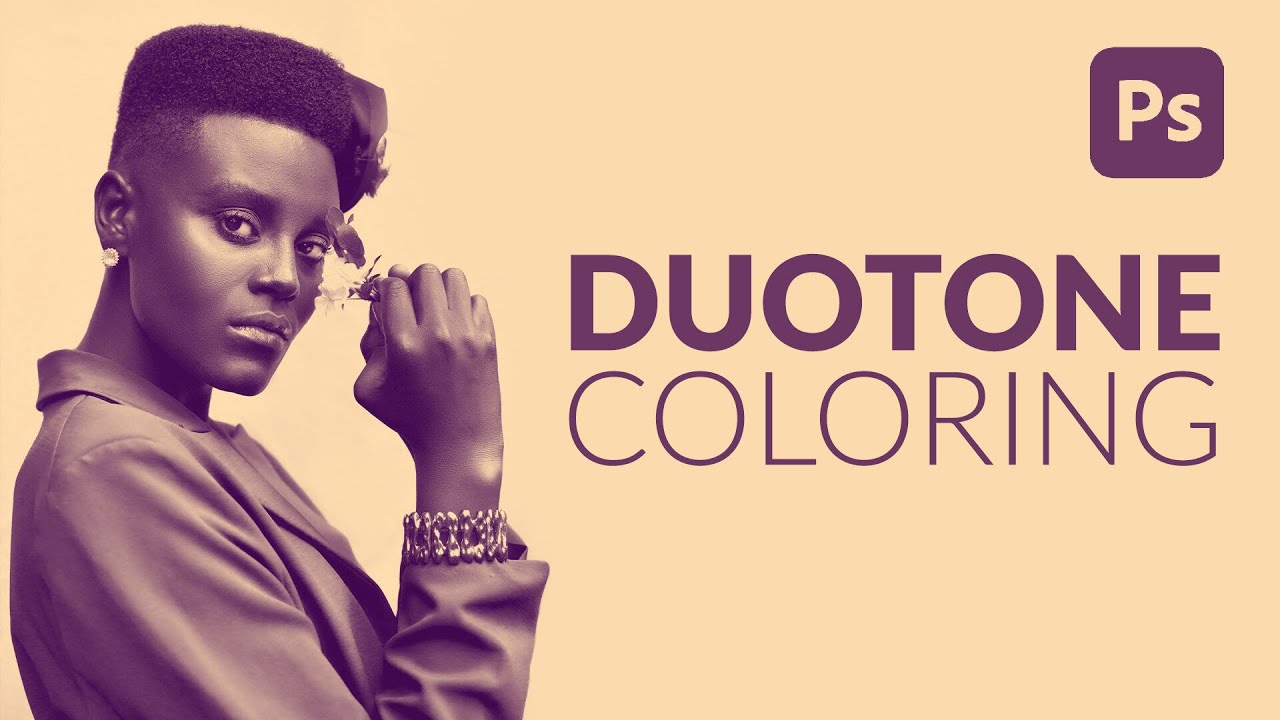
The Laziest (and Best) Way to Add Duotone Color to Any Photo in Photoshop
I have a complicated relationship with duotones. They look incredible, clients love them, and every time someone asks me to make one I’ve historically spent way too long fumbling through Hue/Saturation layers and gradient maps wondering why the result looks muddy instead of cinematic. I knew roughly what a duotone was supposed to do: split highlights and shadows into two distinct colors. But translating that concept into something clean and repeatable?