Video Tutorials
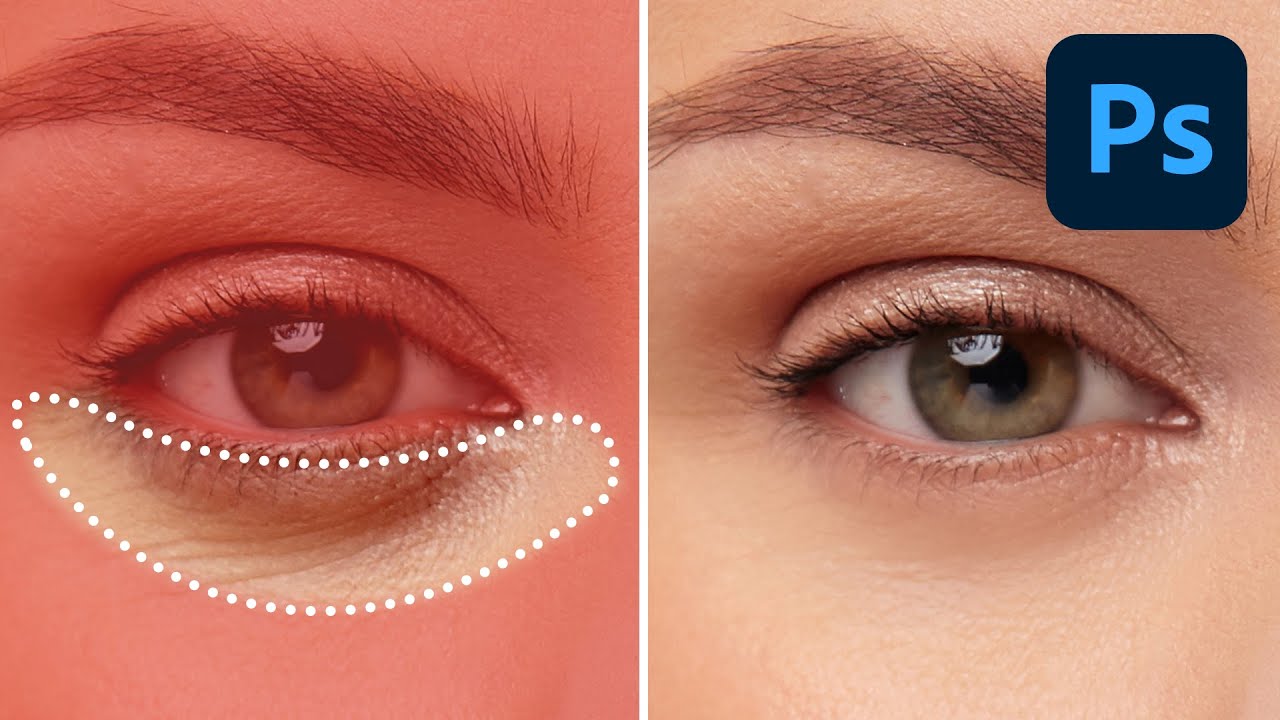
Stop Letting AI Wreck Your Retouching: The Right Way to Lighten Dark Circles in Photoshop
I’ve handed clients back photos where the under-eye area looked so aggressively smoothed it felt like I’d replaced their face with a soap commercial extra. Dark circles, bags, soft wrinkles – these aren’t flaws to be surgically erased. They’re part of someone’s face. The goal is to lighten and brighten, not rebuild the whole structure from scratch. Once I figured that out, my retouching got about ten times more believable.