How to Fake a Dramatic Water Reflection in Photoshop (And Actually Make It Look Real)

How to Fake a Dramatic Water Reflection in Photoshop (And Actually Make It Look Real)

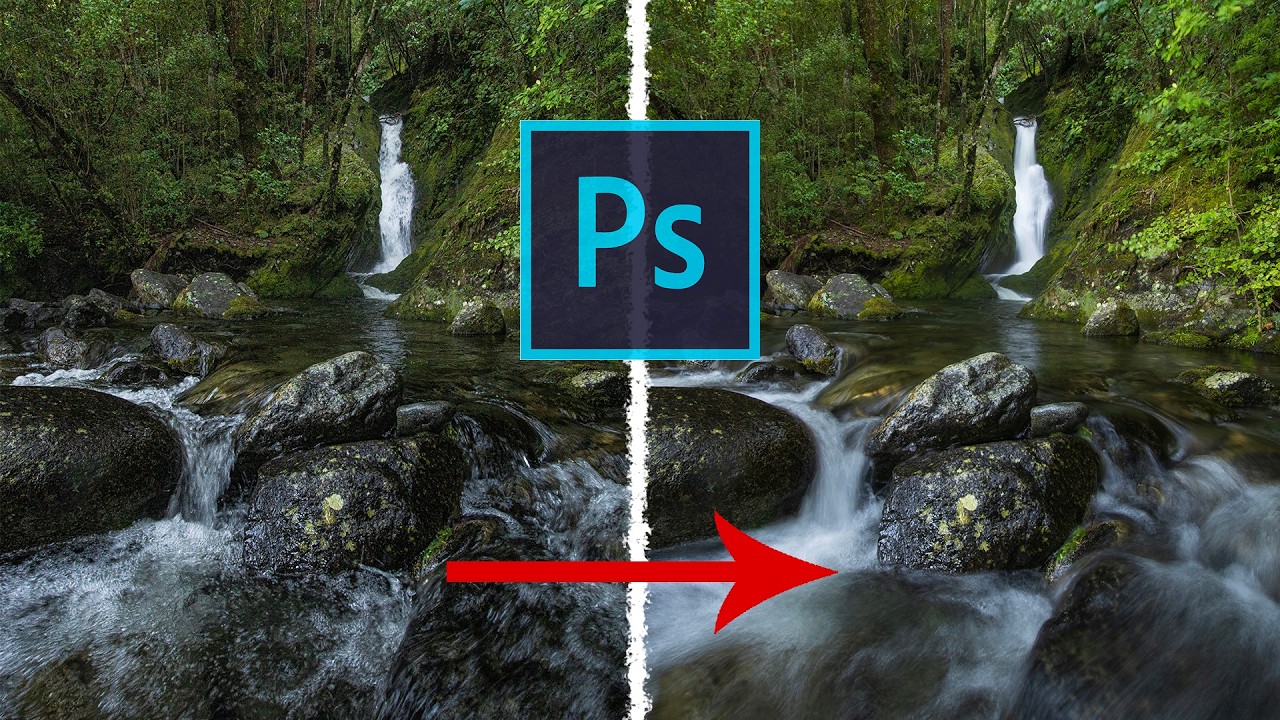
The Composite That Broke My Confidence A while back I spent the better part of a week on a cityscape composite. Client wanted drama. Moody sky, golden hour, the works. I delivered it, felt good about it, and then saw another designer’s version of basically the same brief pop up on Behance. Their image had a foreground water reflection that made the whole thing sing. Mine looked like a postcard.
Overlays in Photoshop Don't Have to Look Cheap — Here's How to Actually Use Them

Overlays in Photoshop Don't Have to Look Cheap — Here's How to Actually Use Them

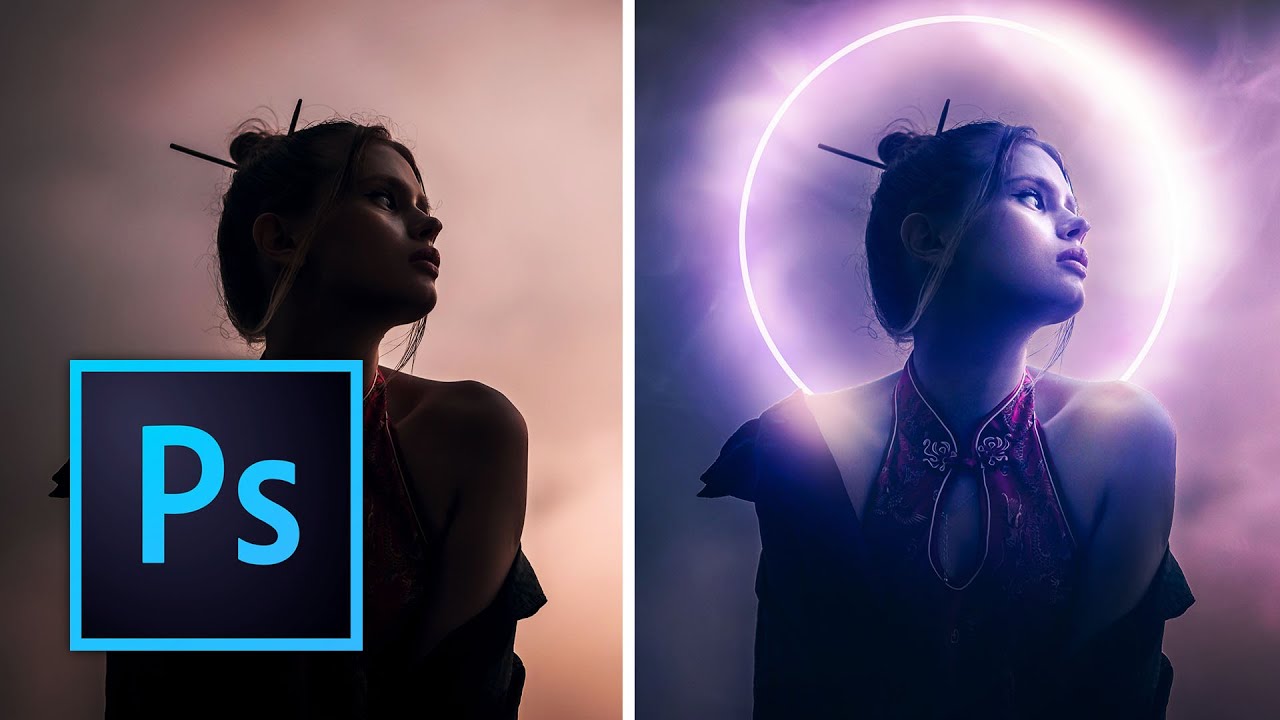
Overlays have a reputation problem. Mention them to a certain type of Photoshop purist and you’ll get the same look you’d get if you showed up to a dinner party in a novelty t-shirt. Too many people have used them badly, slapping light leak PNGs over photos and calling it “cinematic” when it looks more like a screensaver from 2003. But here’s the thing: overlays are just raw material. The technique is in how you handle them.

Cutting Out Cowboys and Making Composites Actually Look Real in Photoshop

Cutting Out Cowboys and Making Composites Actually Look Real in Photoshop

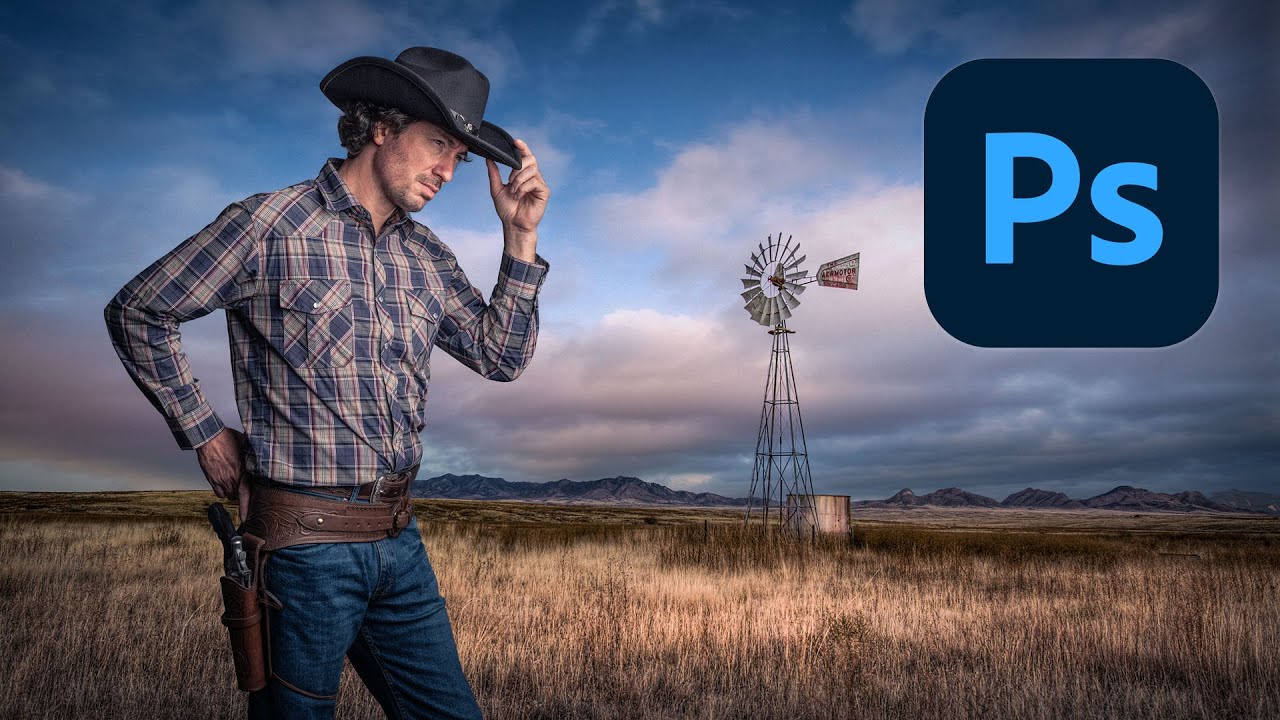
Compositing is one of those skills that separates the people who use Photoshop from the people who know Photoshop. I learned that the uncomfortable way a few years back when a friend sat down at my machine, looked at a composite I’d spent three days on, and rebuilt something better in about twenty minutes using techniques I’d never seen. That stung. A lot. Since then I’ve made it a point to watch how other working designers approach the problem, even when I think I’ve got it figured out.

Stop Faking It: How to Actually Change a Background in Photoshop Without It Looking Like a Middle School Collage

Stop Faking It: How to Actually Change a Background in Photoshop Without It Looking Like a Middle School Collage

Client sends you a product shot. Great photo, terrible background. Gray wall, weird shadow, a corner of what might be a laundry basket. They want it looking clean and professional by Thursday. You’ve been here before. I’ve been here before. Approximately forty times this year alone, judging by my invoices. Background replacement sounds simple until you’re staring at flyaway hair against a cluttered backdrop and your selection looks like it was traced by someone wearing oven mitts.

Fake Shadows That Actually Fool People: What I Learned From Kelvin Designs

Fake Shadows That Actually Fool People: What I Learned From Kelvin Designs

Shadows are the thing that exposes a bad composite faster than anything else. Not the color grading, not the edge masking, not even the resolution mismatch. The shadow. Or more precisely, the missing shadow, or the one that’s slightly wrong and you can’t put your finger on why until someone points it out and then you can never unsee it. I’ve lost count of how many times I’ve placed a subject into a scene, done genuinely solid masking work, and still had the whole thing feel like a bad magazine cutout.

Stop Blowing Out Your Skies: How to Blend Exposures in Photoshop Like a Landscape Pro

Stop Blowing Out Your Skies: How to Blend Exposures in Photoshop Like a Landscape Pro

I shoot a lot of product and graphic work, but every once in a while a client wants “something editorial, something outdoorsy.” Which is how I ended up last spring with two decent landscape shots from the same scene and the same problem I always have: the sky is perfectly exposed, the foreground looks like it was photographed inside a cave, or I nail the foreground and the sky turns into a white, blown-out disaster.

How to Create Double Exposure Effects

How to Create Double Exposure Effects

The double exposure effect — two images blended into one — originated as a film camera technique where the same frame was exposed twice. In Photoshop, we can achieve the same look with far more control over the result. Here’s how to create a convincing double exposure from scratch. Choosing Your Images The image pairing makes or breaks this effect. You need: Image A (the base): Usually a portrait or silhouette with strong shape definition.

Blend Modes: Stop Using Normal Mode Like a Caveman

Blend Modes: Stop Using Normal Mode Like a Caveman

Blend Modes: Stop Using Normal Mode Like a Caveman Look, I get it. Blend modes seem intimidating. There are like 27 of them, they have weird names like “Overlay” and “Soft Light,” and nobody’s really explained what they actually do in plain English. So you’ve been sticking with Normal mode, layering stuff on top, and adjusting opacity until things look vaguely correct. We need to fix that. Right now. Here’s the truth: blend modes are just math formulas that tell Photoshop how to combine two layers together.

Blend Modes Demystified: Stop Using Normal and Start Looking Like You Know What You're Doing

Blend Modes Demystified: Stop Using Normal and Start Looking Like You Know What You're Doing

Blend Modes Demystified: Stop Using Normal and Start Looking Like You Know What You’re Doing I’ll be honest with you—I spent three years in Photoshop thinking blend modes were just there to make my layers look like a glitchy nightmare. Then I actually learned what they do, and suddenly I stopped needing fifteen adjustment layers to fix simple problems. So let me save you some time and sanity. What Blend Modes Actually Are (Without the Math Nerd Stuff) Blend modes control how a layer interacts with the layers beneath it.

Blend Modes Demystified: Stop Using Normal and Start Actually Creating

Blend Modes Demystified: Stop Using Normal and Start Actually Creating

Blend Modes Demystified: Stop Using Normal and Start Actually Creating Look, I’m going to level with you. When I first started using Photoshop, I treated blend modes like that mysterious section of the menu—technically aware it existed, totally confused about how to use it, and perfectly content leaving it alone. Then I realized I was basically editing with one hand tied behind my back. Blend modes are genuinely the difference between “I spent four hours on this” and “I spent four hours on this and it actually looks professional.

Blend Modes Demystified: Stop Guessing and Start Blending Like a Pro

Blend Modes Demystified: Stop Guessing and Start Blending Like a Pro

Blend Modes Demystified: Stop Guessing and Start Blending Like a Pro Let me be honest: I spent three years clicking through blend modes like a slot machine, hoping something would look cool. Then I actually learned what they do, and my work improved dramatically. So here’s what I wish someone had told me straight up. Why You Should Care About Blend Modes Blend modes determine how a layer interacts with the layers below it.