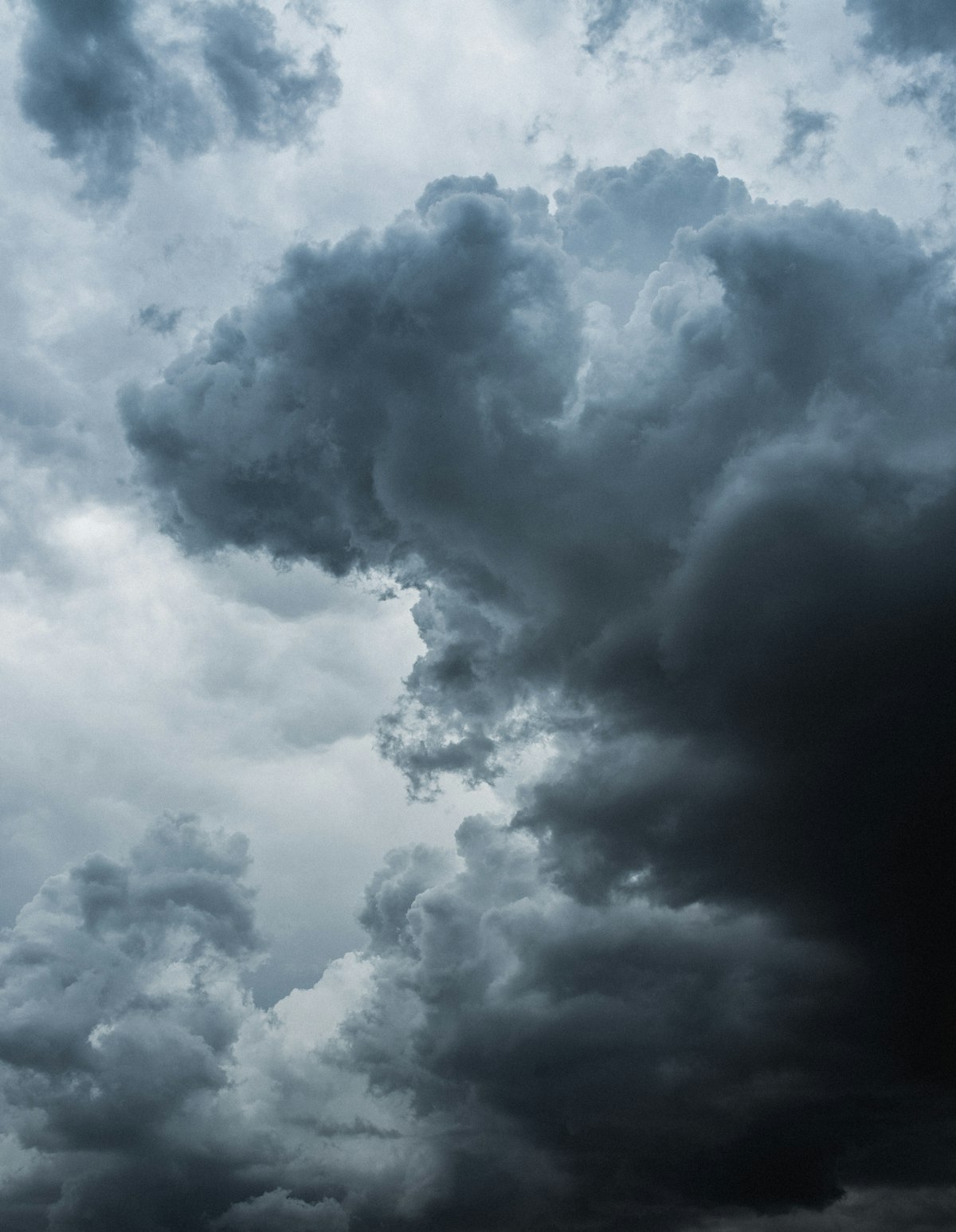
When Adobe added Sky Replacement to Photoshop, reactions ranged from “this changes everything” to “this is the end of honest photography.” Having used it extensively over two years, my take is more boring: it’s a useful tool that works well about 70% of the time.
Let’s look at what it actually does and where it breaks.
How It Works
Edit > Sky Replacement opens a panel where you select from preset skies or load your own. Photoshop uses AI to detect the sky region, creates a mask, and composites your chosen sky into the scene. It also offers controls for adjusting the foreground to match the new sky’s lighting.
The technology behind it is edge detection combined with semantic segmentation — Photoshop identifies what’s “sky” versus what’s “not sky” and creates a precise mask along that boundary.
Where It Works Brilliantly
Clean horizon lines. Buildings against sky, mountain ridges, desert landscapes — any scene where the boundary between sky and foreground is a clear, hard edge. The AI nails these almost every time.
Flat, overcast skies. If you shot a beautiful scene under a white, featureless sky, Sky Replacement can salvage the image by adding dramatic clouds or golden hour color. This is the tool’s sweet spot.
Quick mockups. When a client wants to see what a real estate property would look like under a blue sky instead of the gray mess you shot in, Sky Replacement gets you a convincing preview in thirty seconds.
Where It Falls Apart
Trees and foliage. This is the big one. Fine branches, individual leaves, and wispy tree canopies are extremely difficult for any automated masking system. The AI tends to either cut into the foliage (leaving halos) or include chunks of sky in the mask (leaving patches of the old sky visible).
Hair and fuzzy edges. Similar to trees. Any subject with fine, irregular edges at the sky boundary gives the AI trouble.
Reflections. Sky Replacement doesn’t touch water, windows, or other reflective surfaces. If your scene includes a lake reflecting the sky, the replacement creates an obvious mismatch between the new sky and the old sky’s reflection below.
Lighting direction. The tool adjusts foreground brightness and color temperature, but it can’t change the direction of light. If your original sky is overcast (diffuse, shadowless light) and your replacement sky has a strong setting sun on the left, the foreground lighting won’t match. This is the most common giveaway of a bad sky replacement.
The Settings That Matter
Shift Edge: This slider is critical. It expands or contracts the sky mask. When you see halos around trees or buildings, pulling Shift Edge to -5 or -10 often fixes them.
Fade Edge: Controls how gradually the sky blends into the foreground. Higher values create a softer transition that hides imperfect masking but can look unnatural.
Foreground Adjustments: The Lighting and Color sliders attempt to match the foreground to the new sky. These are worth tweaking carefully — they make the difference between “obviously composited” and “believable.”
When to Do It Manually
For any image where quality matters — portfolio work, client deliverables, competition entries — I do sky replacement manually. The process takes longer but gives you complete control:
- Select the sky with Select > Sky (Photoshop’s dedicated sky selection)
- Refine the mask in Select and Mask, especially around trees and complex edges
- Place your sky on a layer below the foreground
- Add a Curves adjustment layer clipped to the foreground to match lighting
- Color-grade both layers to unify the look
The manual approach takes 15-20 minutes instead of 30 seconds, but the result is publishable.
My Verdict
Sky Replacement is a productivity tool, not a quality tool. Use it for quick client previews, social media posts, and situations where speed matters more than perfection. For anything portfolio-worthy, invest the time to do it properly by hand.
And regardless of method — be honest about it. Replacing the sky in a real estate photo or a composite art piece is standard practice. Replacing the sky in a landscape competition entry is fraud.