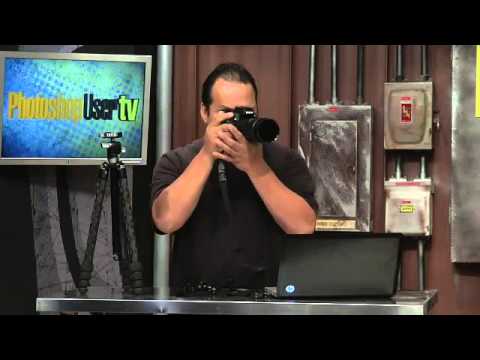
Every November I do something dangerous. I start browsing gear lists. It usually costs me money I didn’t plan to spend and earns me a look from everyone in whatever coffee shop I’m camped in. This particular rabbit hole started when I stumbled onto a holiday episode of Photoshop User TV from the KelbyOne crew, where hosts Corey Barker, RC Concepción, and Pete Collins sat down to share the tools and gadgets they actually reach for as working photographers and designers. Not sponsored fluff. Just three people who use this stuff daily talking honestly about what makes their workflow better.
Watch the full tutorial on YouTube
What I like about this particular episode is that it’s grounded in something real. It was inspired by the annual gear guide published in Photoshop User magazine, which Scott Kelby curates every year. The hosts take that as a jumping-off point and layer in their own picks, which gives you two things at once: the editorial authority of a tested magazine list, and the firsthand “I actually use this constantly” credibility of people in the trenches. If you’re building out a photography or design toolkit, or shopping for someone who is, this breakdown is worth your time.
Step 1: Start With the Problem the Tool Solves
 Hosts introducing the holiday gear guide episode
Before any of the hosts pull out a single gadget, they frame the conversation around a real workflow problem. That’s the right move, and it’s something worth adopting when you’re evaluating gear yourself. Don’t ask “is this cool?” Ask “what does this actually fix?” The episode starts with that mindset, and it sets the tone for everything that follows. RC immediately jumps in about mirroring his phone to demonstrate something, which tells you everything about how practically these guys think about their tools.
Hosts introducing the holiday gear guide episode
Before any of the hosts pull out a single gadget, they frame the conversation around a real workflow problem. That’s the right move, and it’s something worth adopting when you’re evaluating gear yourself. Don’t ask “is this cool?” Ask “what does this actually fix?” The episode starts with that mindset, and it sets the tone for everything that follows. RC immediately jumps in about mirroring his phone to demonstrate something, which tells you everything about how practically these guys think about their tools.
Step 2: The Bamboo Stylus for iPad
 Corey holding the Bamboo Stylus next to his iPad
Corey’s first pick is the Bamboo Stylus, made by Wacom, the same company behind the tablets most of us already use in our Photoshop work. The stylus is designed for capacitive touchscreens, so it works on iPads and similar tablets without any pairing or Bluetooth setup. It has a solid, weighted feel in the hand and a rubber-tipped nib that gives you more precision than dragging your finger across glass. For anyone who’s tried to annotate a document or sketch a concept on an iPad using just their fingertip, you already know how frustrating that is. This solves it cleanly.
Corey holding the Bamboo Stylus next to his iPad
Corey’s first pick is the Bamboo Stylus, made by Wacom, the same company behind the tablets most of us already use in our Photoshop work. The stylus is designed for capacitive touchscreens, so it works on iPads and similar tablets without any pairing or Bluetooth setup. It has a solid, weighted feel in the hand and a rubber-tipped nib that gives you more precision than dragging your finger across glass. For anyone who’s tried to annotate a document or sketch a concept on an iPad using just their fingertip, you already know how frustrating that is. This solves it cleanly.
Step 3: Pair It With the Bamboo Paper App
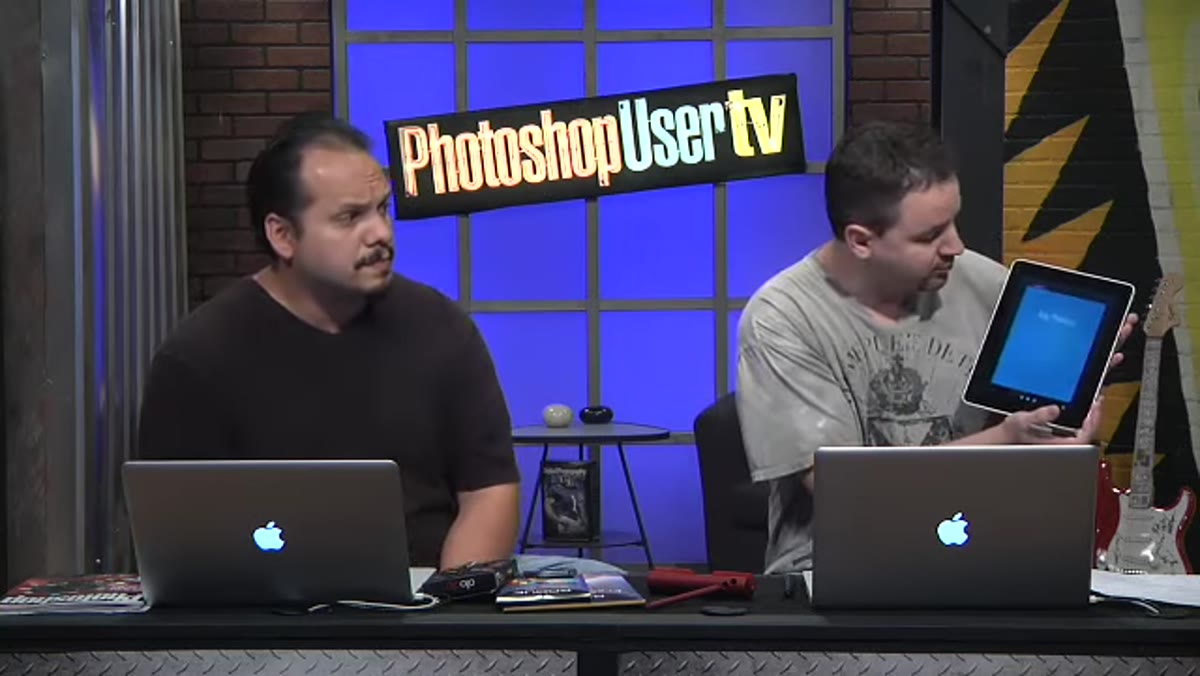 Bamboo Paper app open on iPad showing freehand sketching
The stylus works with any app, but Corey demos it alongside the free companion app called Bamboo Paper. Think of it as a lightweight digital notebook. You get different brush types including pens and markers, and the stroke response is fluid enough to feel natural when sketching layouts or jotting ideas. For me, this is immediately useful for roughing out design concepts before I open Photoshop. I’ve been doing that on paper for years, which means I’m constantly losing sketches behind my laptop or under a coffee cup. A digital notebook that syncs and doesn’t get cold brew spilled on it is genuinely appealing.
Bamboo Paper app open on iPad showing freehand sketching
The stylus works with any app, but Corey demos it alongside the free companion app called Bamboo Paper. Think of it as a lightweight digital notebook. You get different brush types including pens and markers, and the stroke response is fluid enough to feel natural when sketching layouts or jotting ideas. For me, this is immediately useful for roughing out design concepts before I open Photoshop. I’ve been doing that on paper for years, which means I’m constantly losing sketches behind my laptop or under a coffee cup. A digital notebook that syncs and doesn’t get cold brew spilled on it is genuinely appealing.
Step 4: The Model Release Use Case
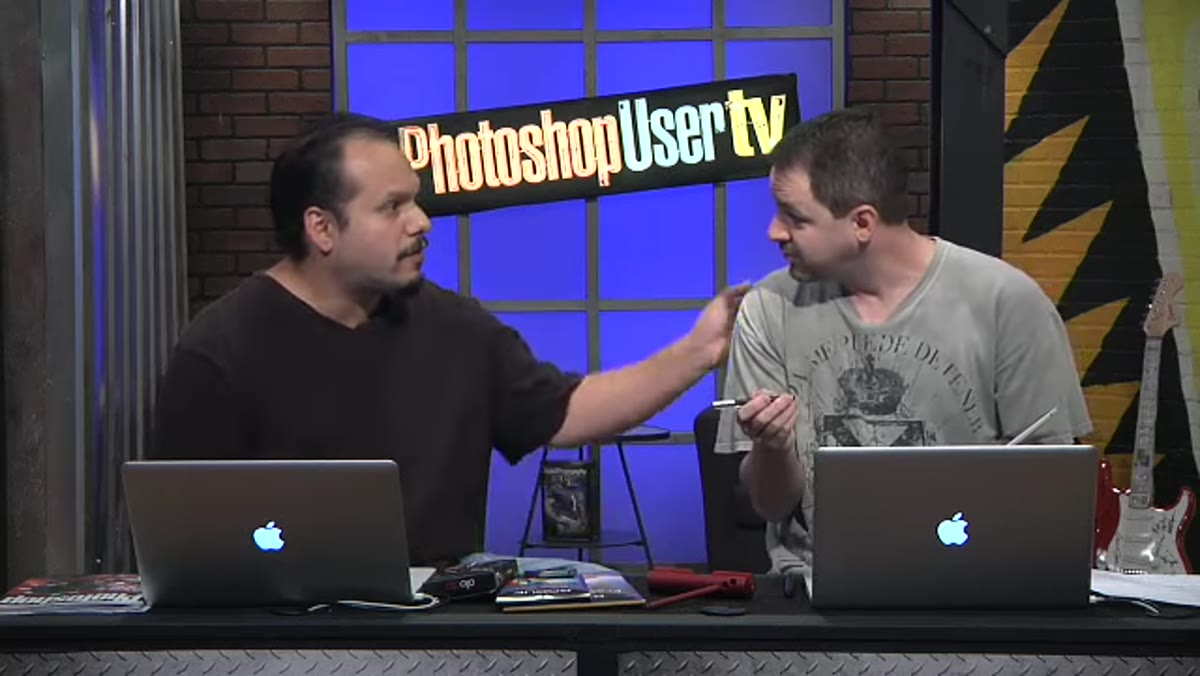 RC discussing using the stylus for digital model releases
RC makes a point here that I hadn’t thought of, and it’s a good one. If you’re a photographer shooting on location with talent, you need model releases signed on the spot. Most photographers have moved to digital release apps on their phones or tablets, but asking someone to sign with their finger feels awkward and informal. Handing them a stylus changes the interaction. It’s a small thing, but it signals professionalism and makes the signing process feel less like you’re asking someone to scrawl their name on a touchscreen like they’re unlocking a phone.
RC discussing using the stylus for digital model releases
RC makes a point here that I hadn’t thought of, and it’s a good one. If you’re a photographer shooting on location with talent, you need model releases signed on the spot. Most photographers have moved to digital release apps on their phones or tablets, but asking someone to sign with their finger feels awkward and informal. Handing them a stylus changes the interaction. It’s a small thing, but it signals professionalism and makes the signing process feel less like you’re asking someone to scrawl their name on a touchscreen like they’re unlocking a phone.
Step 5: Cross-Reference the Photoshop User Magazine Gear Guide
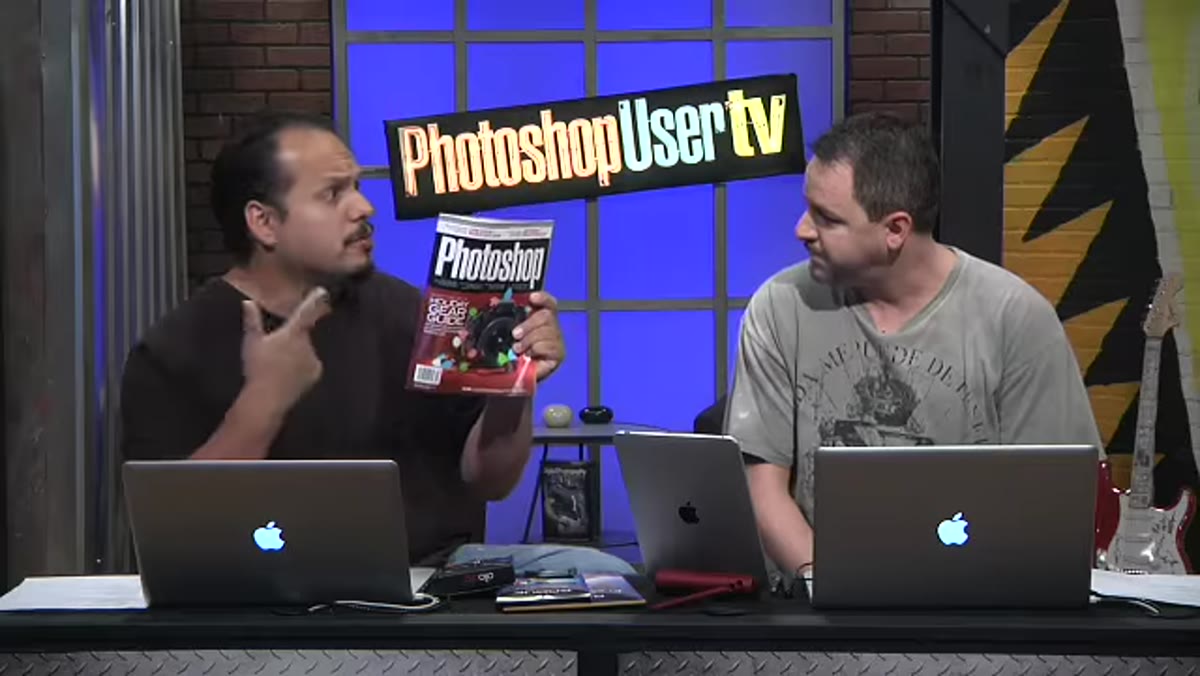 Hosts referencing the Photoshop User magazine gear guide issue
The hosts are explicit about this being connected to the annual gear guide in Photoshop User magazine, and that context matters. The magazine guide is curated by Scott Kelby, who field-tests gear as a working photographer, not as a tech reviewer with a press sample. If something makes it into that list, it’s been used on actual shoots. The hosts use the magazine as a baseline and then riff on it with their own additions, so what you’re getting in this episode is essentially an extended, conversational version of the print guide. If you’re a KelbyOne or NAPP member, pull up the corresponding issue alongside the video. The two together give you more depth than either alone.
Hosts referencing the Photoshop User magazine gear guide issue
The hosts are explicit about this being connected to the annual gear guide in Photoshop User magazine, and that context matters. The magazine guide is curated by Scott Kelby, who field-tests gear as a working photographer, not as a tech reviewer with a press sample. If something makes it into that list, it’s been used on actual shoots. The hosts use the magazine as a baseline and then riff on it with their own additions, so what you’re getting in this episode is essentially an extended, conversational version of the print guide. If you’re a KelbyOne or NAPP member, pull up the corresponding issue alongside the video. The two together give you more depth than either alone.
Step 6: Think About Gear as Workflow, Not Just Wishlist
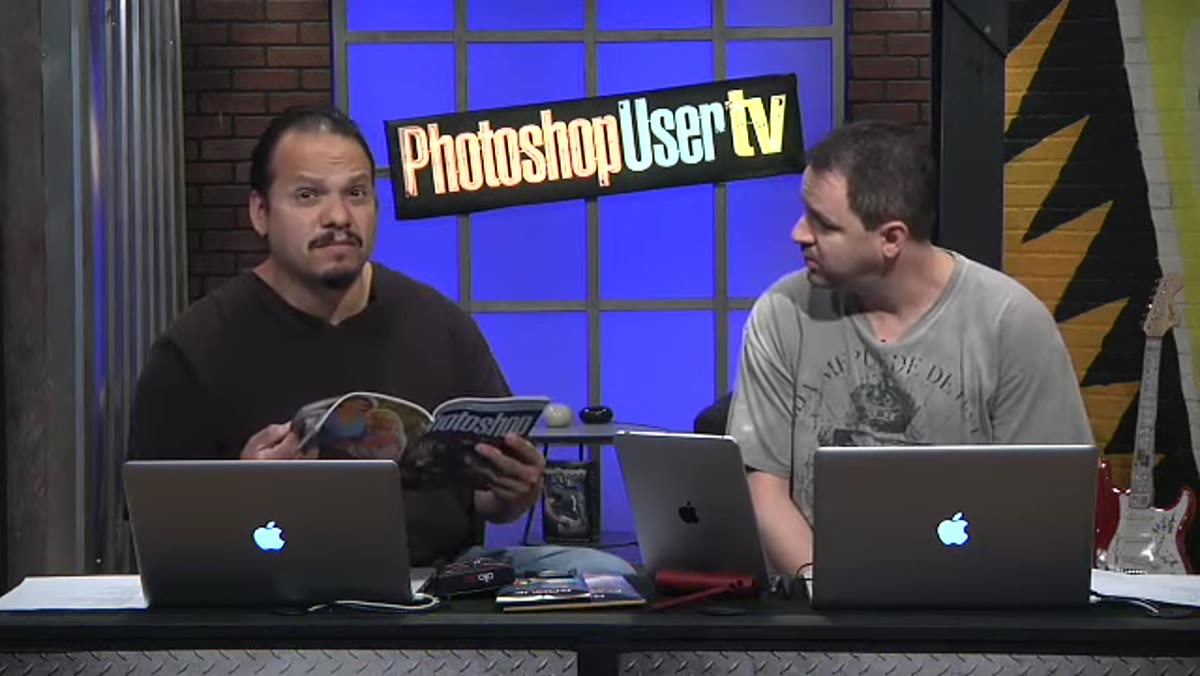 RC and Corey discussing practical workflow integration of gear
One thing the hosts keep coming back to is how each piece of gear fits into an existing workflow rather than sitting as a standalone purchase. That’s the filter I’d encourage you to use on any gear guide, holiday or otherwise. The question isn’t “would this be nice to have?” It’s “does this remove a specific friction point in something I do regularly?” The Bamboo Stylus is a good example. It’s not transformative on its own. But if you’re already using an iPad for client-facing work, reference images, or on-location tasks, it removes a real annoyance and costs less than a decent meal out.
RC and Corey discussing practical workflow integration of gear
One thing the hosts keep coming back to is how each piece of gear fits into an existing workflow rather than sitting as a standalone purchase. That’s the filter I’d encourage you to use on any gear guide, holiday or otherwise. The question isn’t “would this be nice to have?” It’s “does this remove a specific friction point in something I do regularly?” The Bamboo Stylus is a good example. It’s not transformative on its own. But if you’re already using an iPad for client-facing work, reference images, or on-location tasks, it removes a real annoyance and costs less than a decent meal out.
What I’d Add From My Own Experience
I’ve been a Wacom tablet user since early in my freelance career, and the thing that took me longest to figure out is that the hardware is only half the equation. The other half is building habits around it. Same applies to something like a stylus or a digital sketching setup. The tool sits unused until you replace an old habit with a new one. My practical suggestion: pick one specific task you currently do on paper or with your finger and commit to doing it with the new tool for two weeks. Just one task. That’s enough time to figure out if it actually fits your process or if it’s going to live in a drawer next to every other gadget you bought with good intentions.
The broader lesson from this KelbyOne episode is something I find useful every time I revisit it. The best gear recommendations come from people who work with the stuff under real conditions, not ideal ones. Corey, RC, and Pete aren’t reviewing products. They’re telling you what they actually reach for, and why. That distinction is worth paying attention to when you’re deciding where to spend your budget.
Watch the full tutorial on YouTube and check out the full holiday gear breakdown from the Photoshop User TV crew. It’s a short watch and the conversation is genuinely useful if you’re building out or refreshing your toolkit heading into the new year.
Comments (5)
Wow, I had no idea you could do this. Mind blown.
Printing this out and pinning it next to my monitor. That good.
This is fantastic. I've been recommending this approach to my readers too.
Solid advice. Especially the part about taking your time with it.
Really solid breakdown. This pairs perfectly with the landscape work I've been writing about.
Leave a Comment