Compositing
Creating Seamless Panoramas in Photoshop
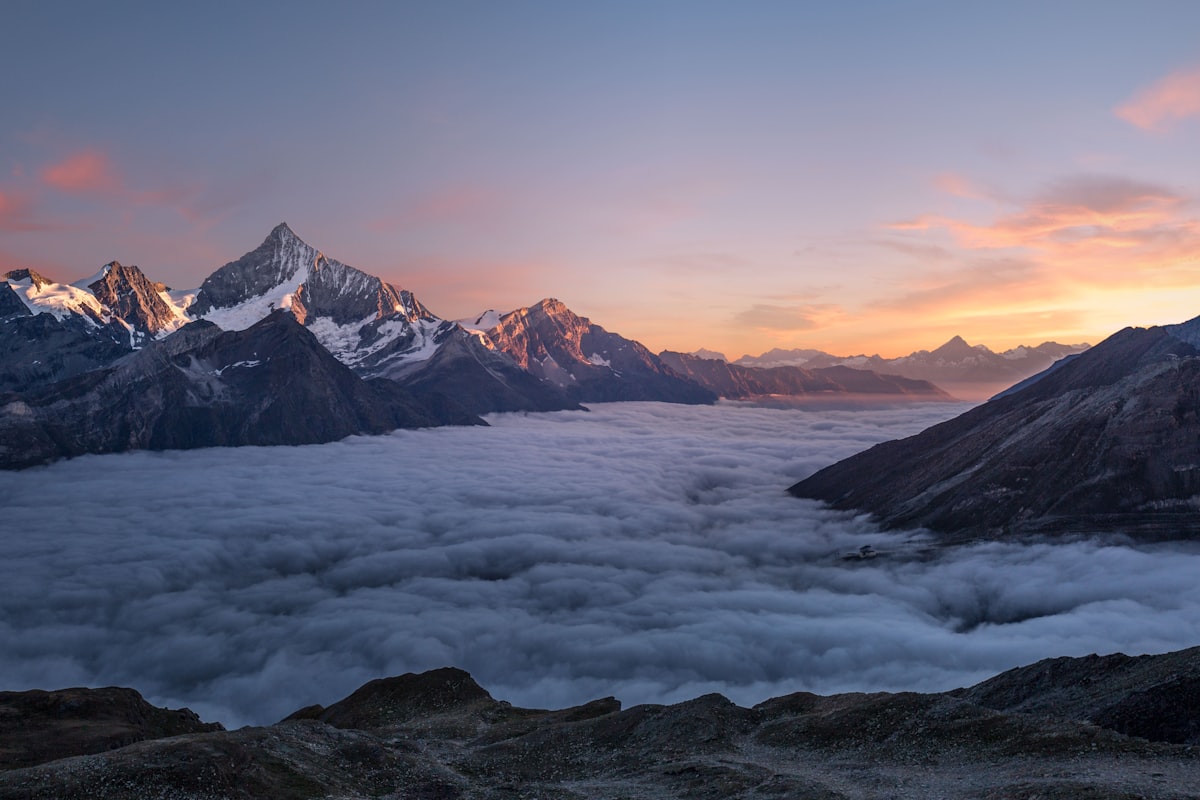
Photoshop’s panorama stitching has gotten remarkably good over the years, but it still requires some understanding of what it’s doing — and what can go wrong — to get consistently great results. Shooting for the Stitch The quality of your panorama is mostly determined before you open Photoshop. Overlap by 30-40%. Each frame should share about a third of its content with the next frame. Less overlap gives the stitching algorithm less data to work with, resulting in visible seams or failed merges.